Alignment and Troubleshooting
4-53
Service Manual
4.2.4 The cause and solution of the malfunction
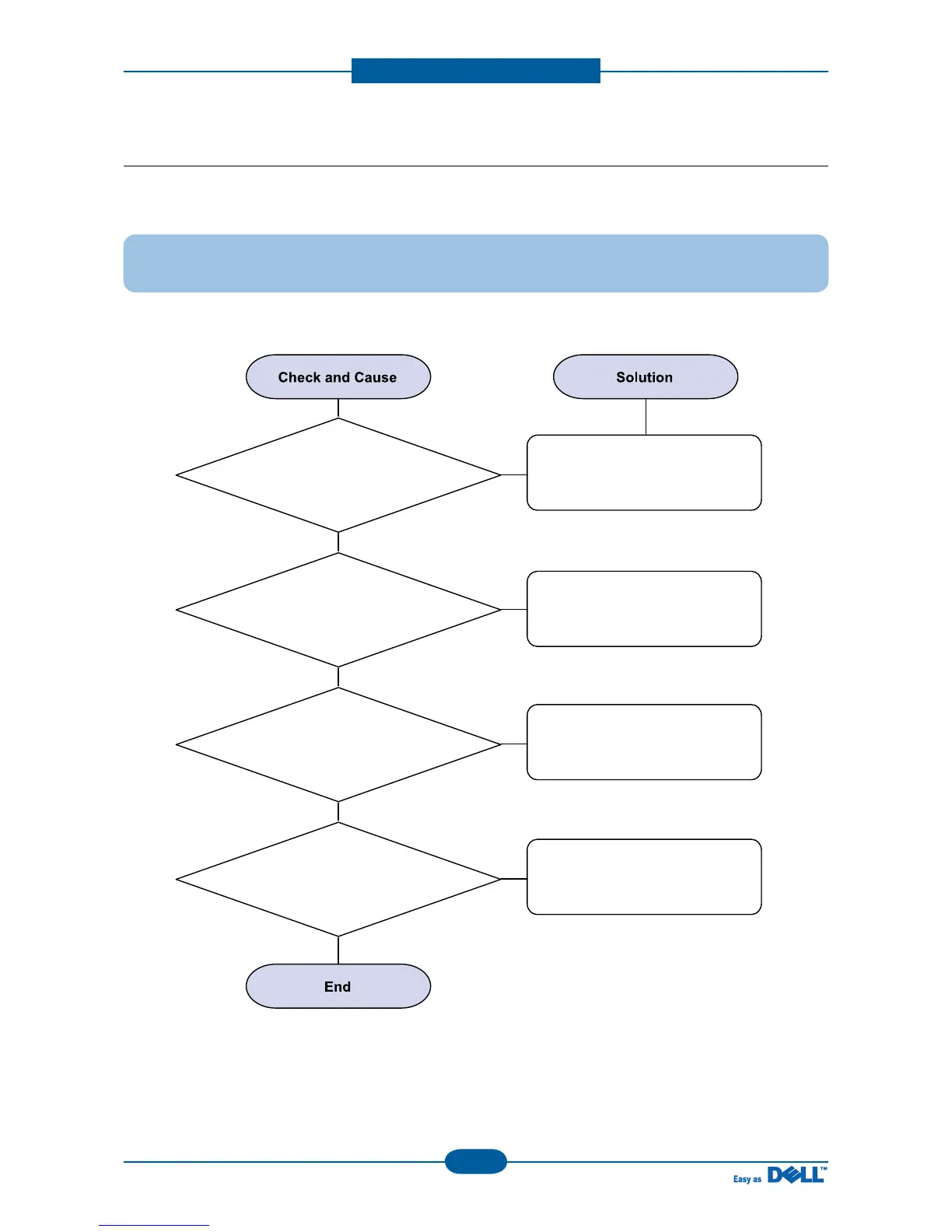
1) Fuser Error
Description : Fuser error is displayed on LCD
1. Check whether the thermostat,
AC wire, and/or heat lamp are
open or not.
Replace the fuser if a thermostat
is open.
Replace the fuser if a thermistor
sensor is located deep inside of
a sponge.
Check whether the overheat
mode circuit operates normally
or not.
Replace the fuser.
2. Check whether a
thermistor is open or not.
3. Heat lamp ON/OFF test
4. It could not operate
due to a gear of a fuser is melted.



 To Next Page