Alignment and Troubleshooting
4-78
Service Manual
4.2.8 Scanning Problems
1) Defective PC Scan
Description : The PC Scan is not functioning at all.
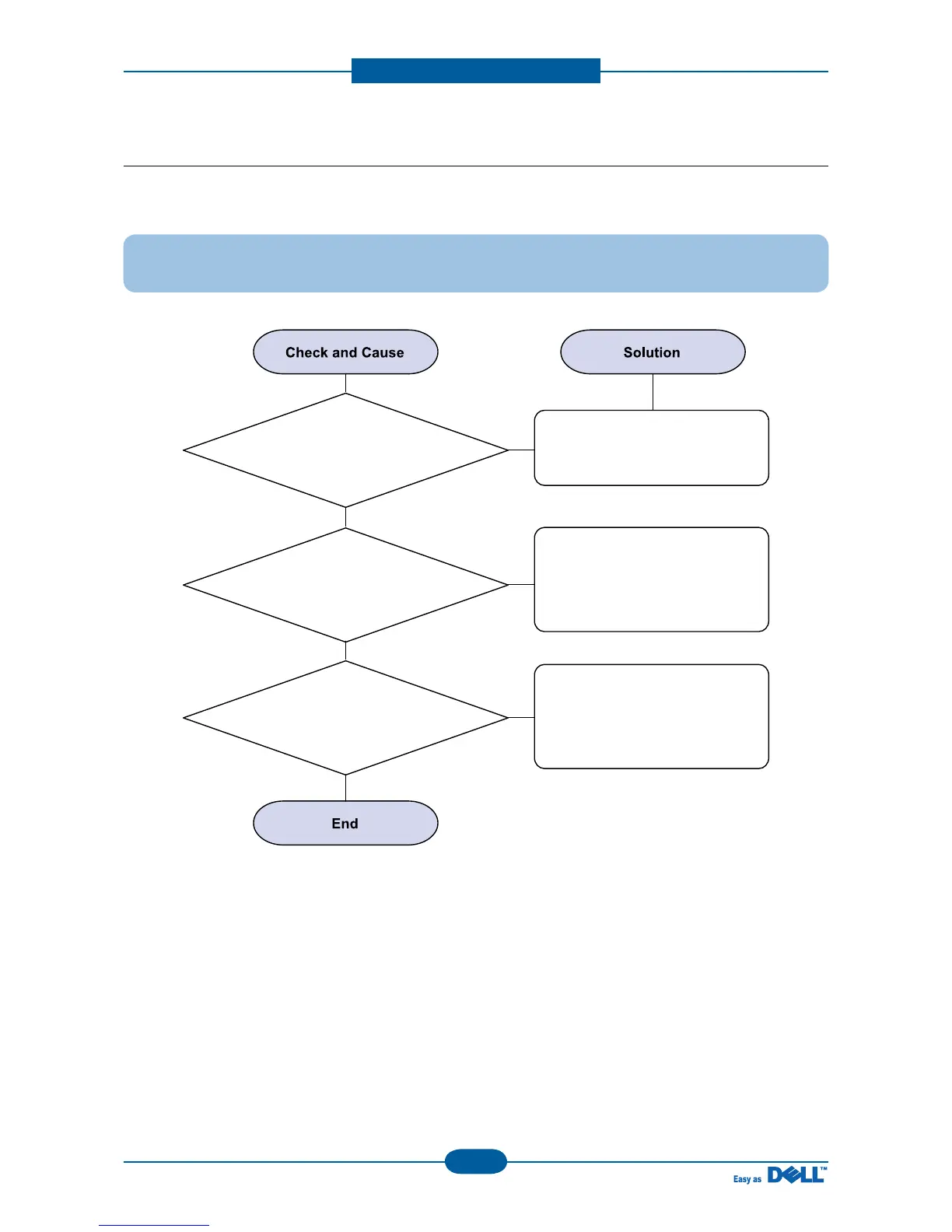
1. Check the Cable (USB)
If the PC and the cable are not
connected properly, reconnect it.
After confirming that it is proper
by performing a PC printing test
related to driver setup, if it is not
so, reinstall it.
(Refer to User's Manual.)
2. Check if the driver is
installed properly.
If copy function works, replace the
Main PBA.
If copy function doesn't work,
replace the CIS Ass'y and try
again.
3. Check if copy function
operates normally.



 To Next Page