Alignment and Troubleshooting
4-77
Service Manual
4) Defective Image Quality
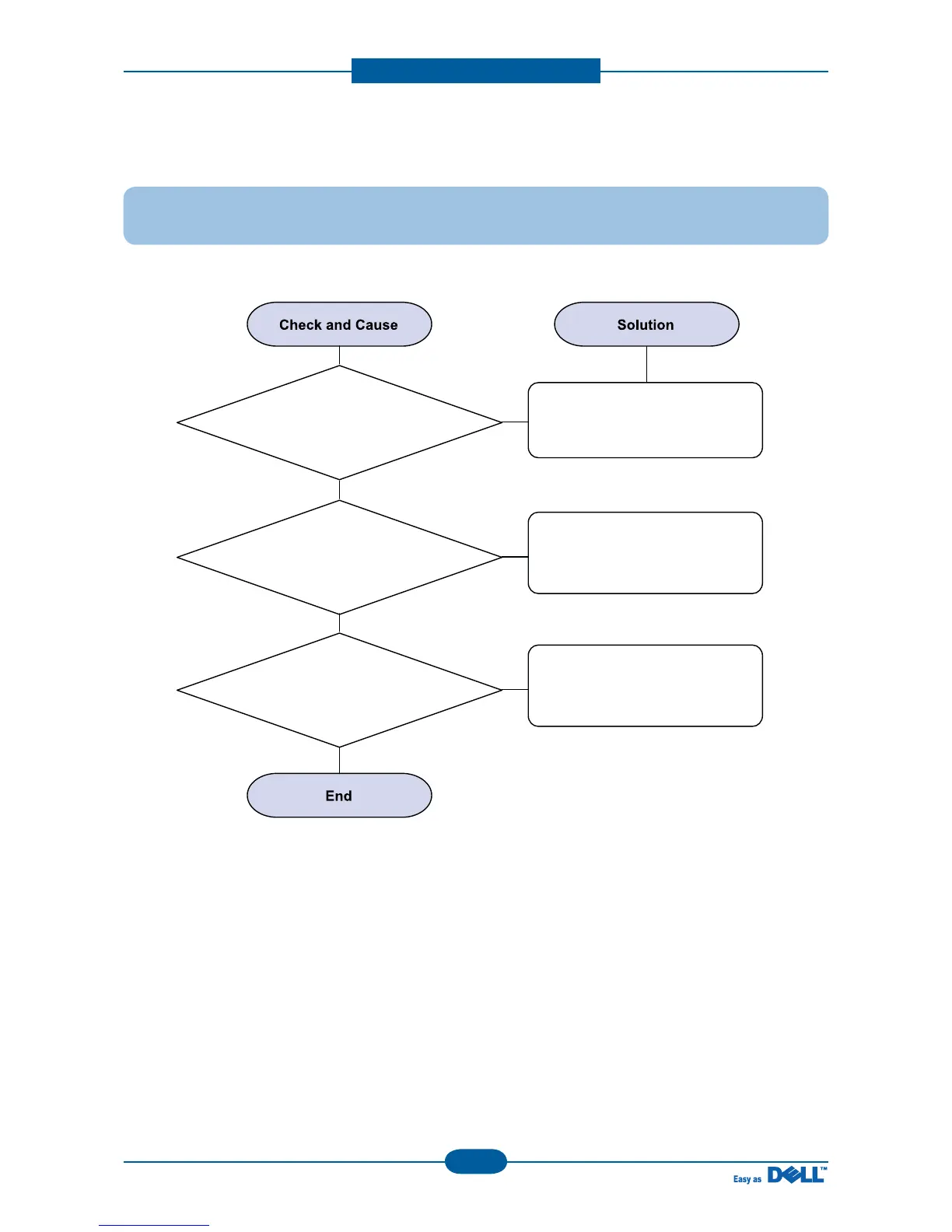
Description : The copied image is light or bad.
1. Check shading profile.
Perform shading profile in the
tech mode.
The gap above 0.5 mm can
cause a blurred image.
2. Check the gap between
original and scanner glass.
See "Print" troubleshooting.
3. Check printing quality.



 To Next Page