Alignment and Troubleshooting
4-76
Service Manual
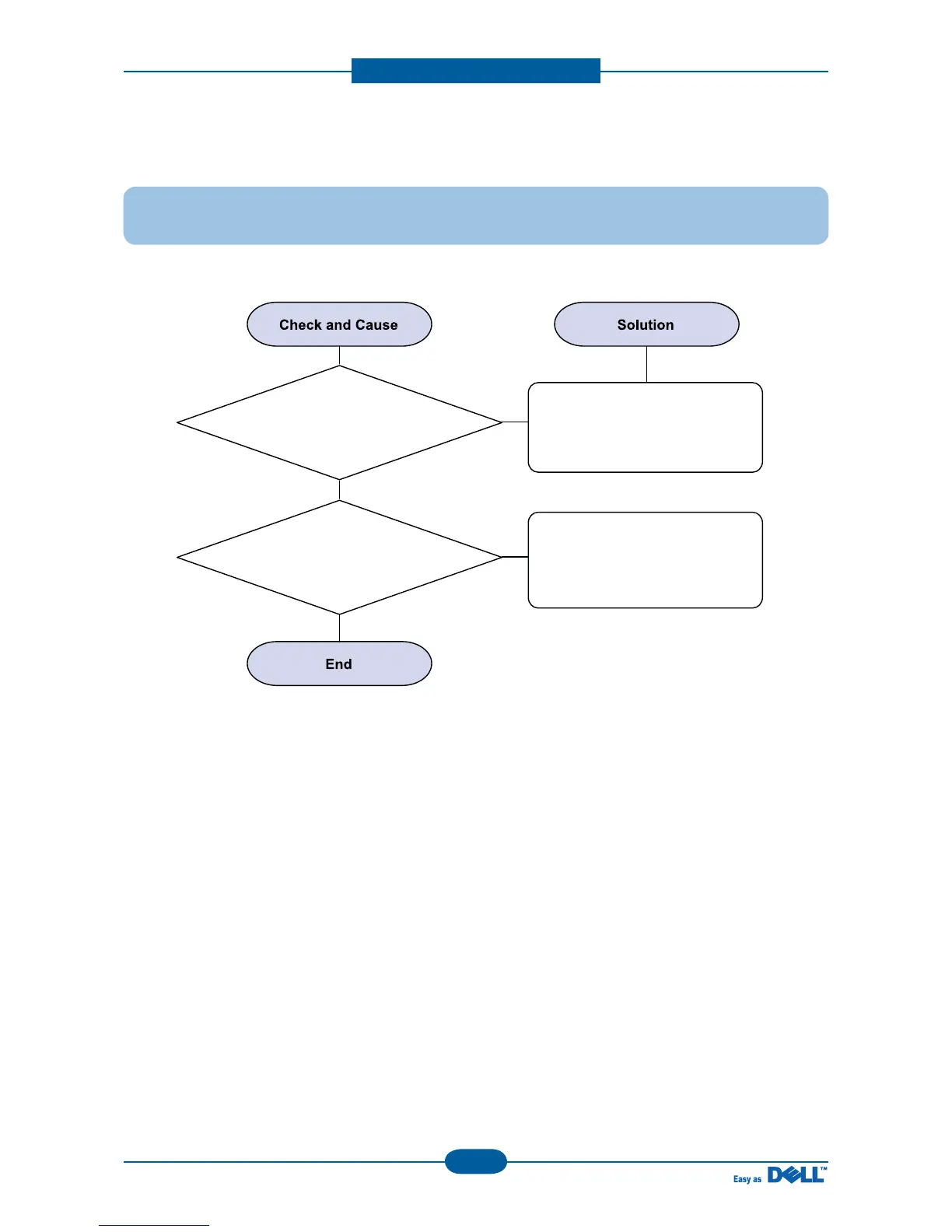
3) Abnormal noise
Description : There is noise when copy.
1. Check the Scanner Motor
and any mechanical disturbance.
Check the right position of the
Scanner Motor, and check the any
mechanical disturbance in the
CIS carriage part.
Replace main PBA.
2. Check the Motor Driver in Driver PBA.



 To Next Page