Alignment and Troubleshooting
4-5
Service Manual
4.1.3 JAM Removal
4.1.3.1 Clearing Original Document Jams
When an original jams while passing through the document feeder, a warning message appears on the
display screen.
1. Remove any remaining originals from the
document feeder.
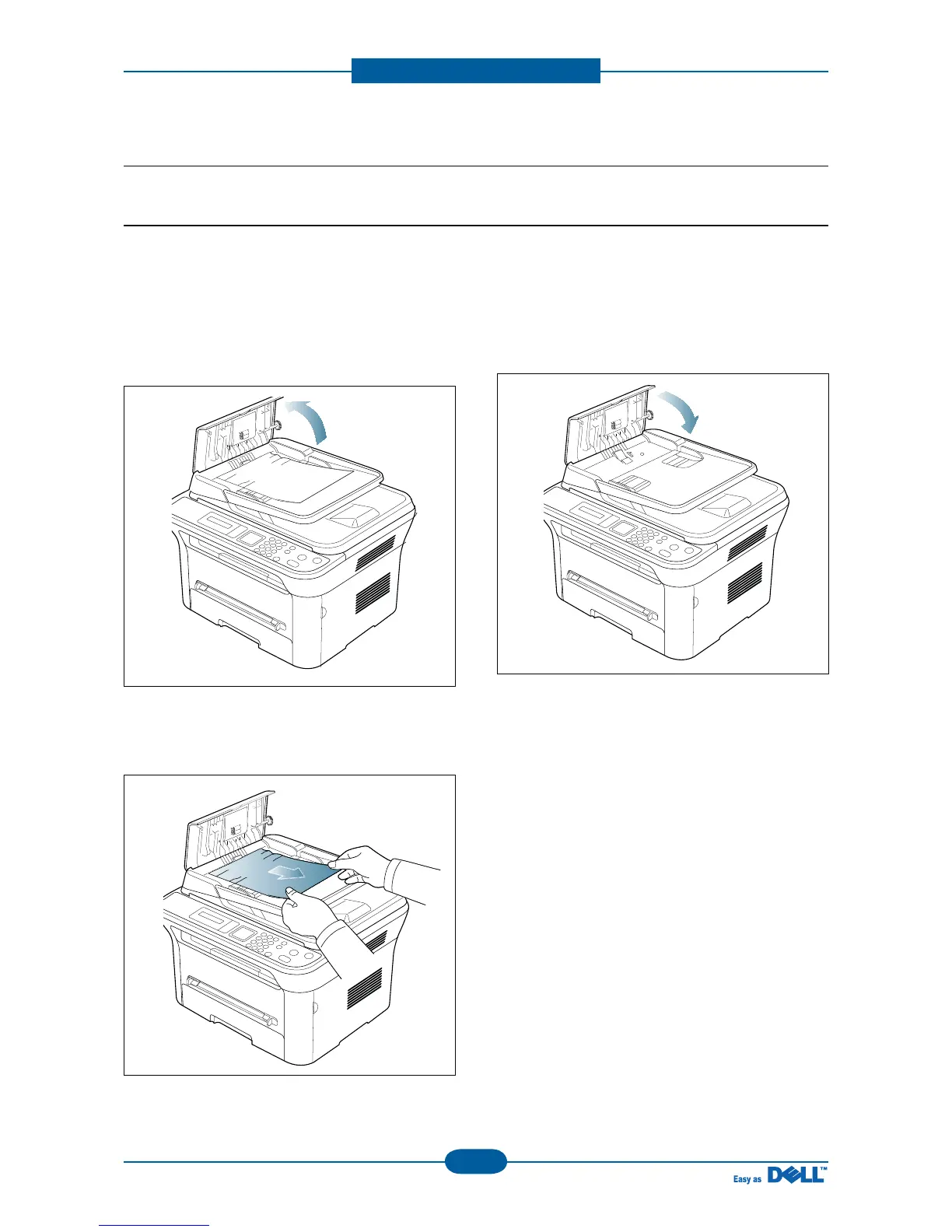
2. Open the document feeder cover.
3. Gently remove the jammed original from the
document feeder.
* If you see no paper in this area, go to step 5.
4. Close the document feeder cover. Reload the
originals you removed, if any, in the document
feeder.
5. Open the scanner lid.



 To Next Page