Alignment and Troubleshooting
4-6
Service Manual
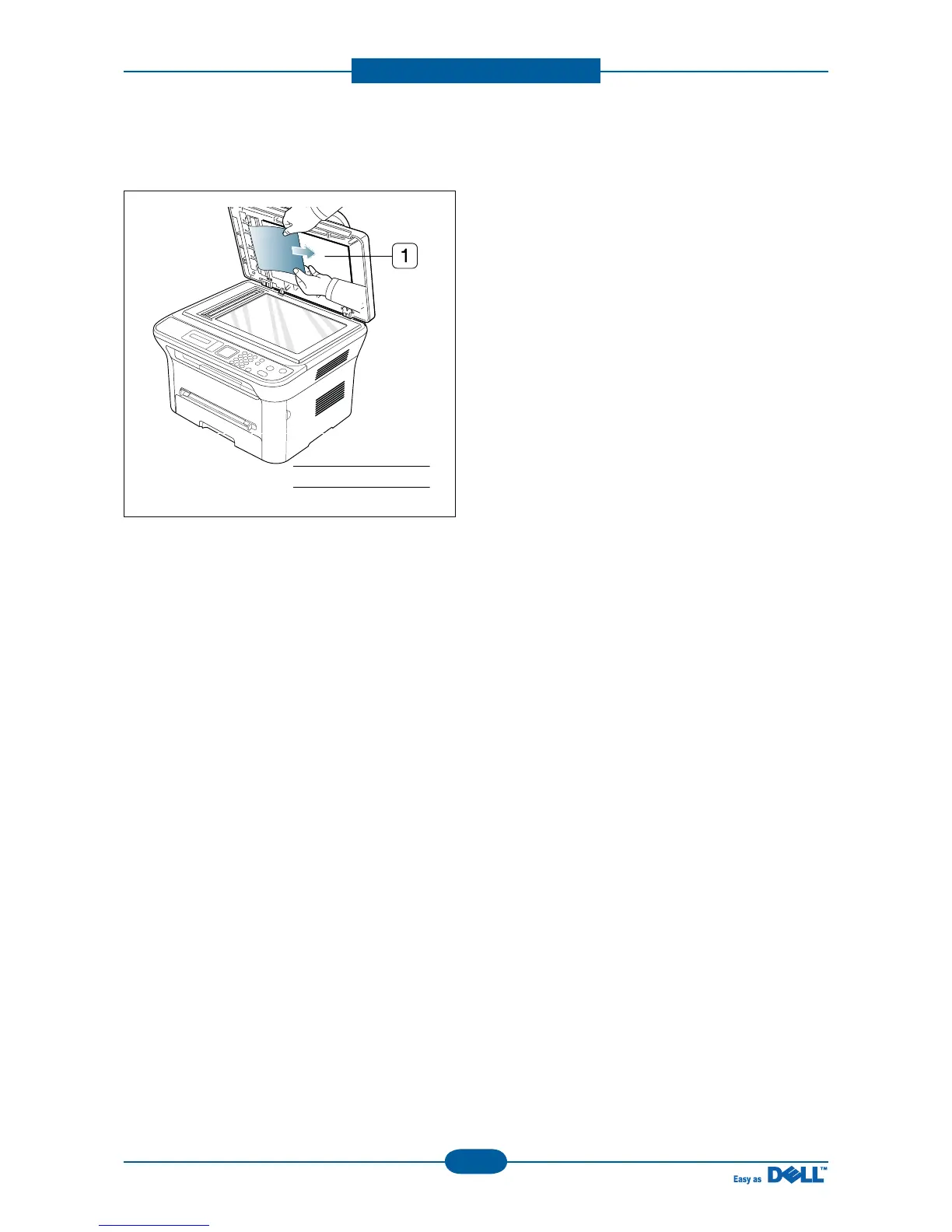
6. Gently remove the original from the feed area by
carefully pulling it to the right using both hands.
7. Close the scanner lid. Load the removed pages
back into the document feeder.
Note: Ensure the number of originals you place in
the ADF does not exceed its tray capacity.
1 scanner lid



 To Next Page