Alignment and Troubleshooting
4-79
Service Manual
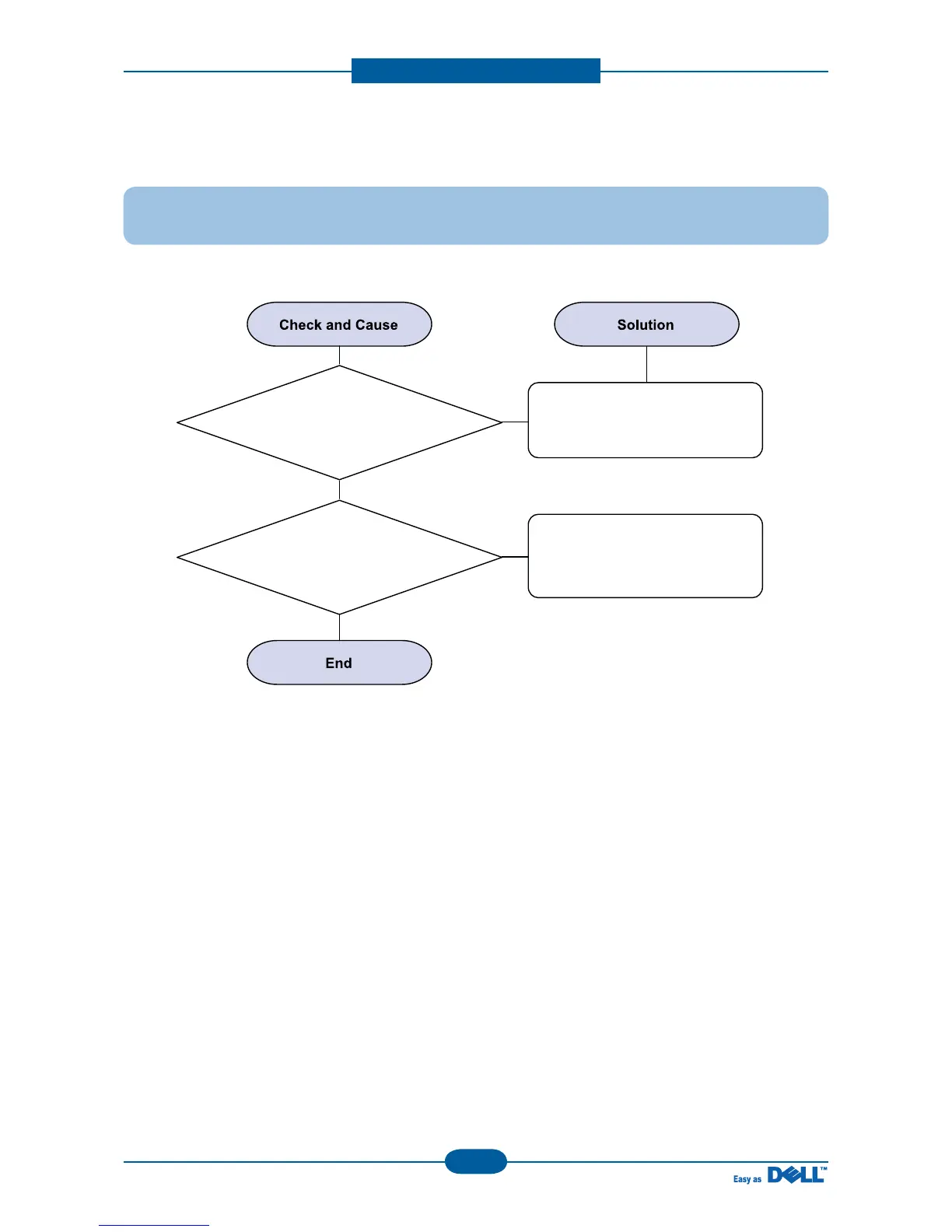
2) Defective Image Quality of PC Scan
Description : The image PC scanned is not clear or bad.
1. Check the waveform form
by performing shading test
in TECH Mode.
If the CIS waveform form is
abnormal, try to replace the CIS
Ass'y.
If the resolution is set too low,
Instruct the user as to how to set
the resolution properly.
2. Check if the resolution is
set too low in PC Scan options.
(Refer to User's Manual.)



 To Next Page