Alignment and Troubleshooting
4-44
Service Manual
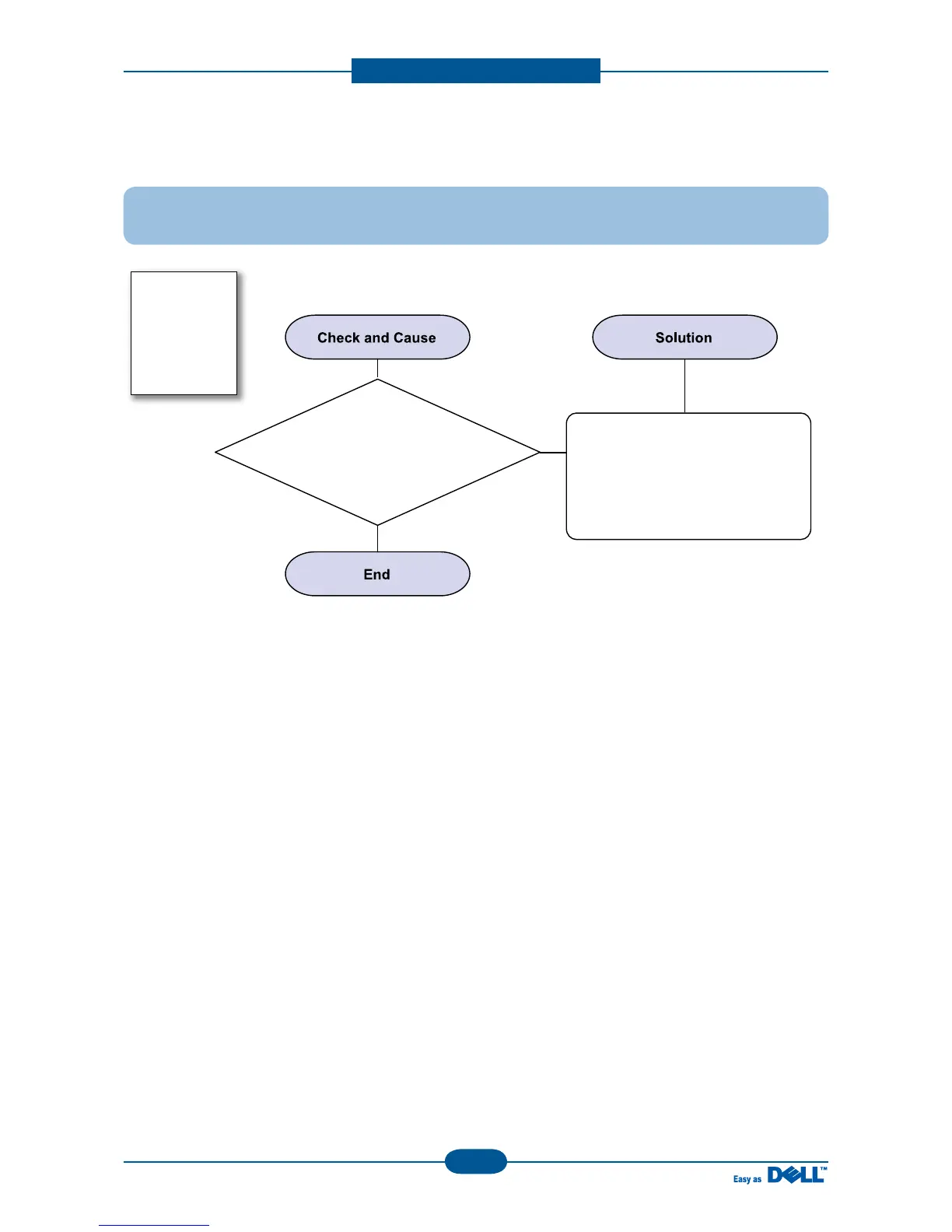
15) Blank Page Print out (1)
Description : Blank page is printed.
Bad ground contacts in OPC and/or
toner cartridge.
1. Check if the Ground-OPC is
defective(set inside right side).
2. Remove contamination of the
terminals of the toner cartridge
and the unit.











 To Next Page