Alignment and Troubleshooting
4-47
Service Manual
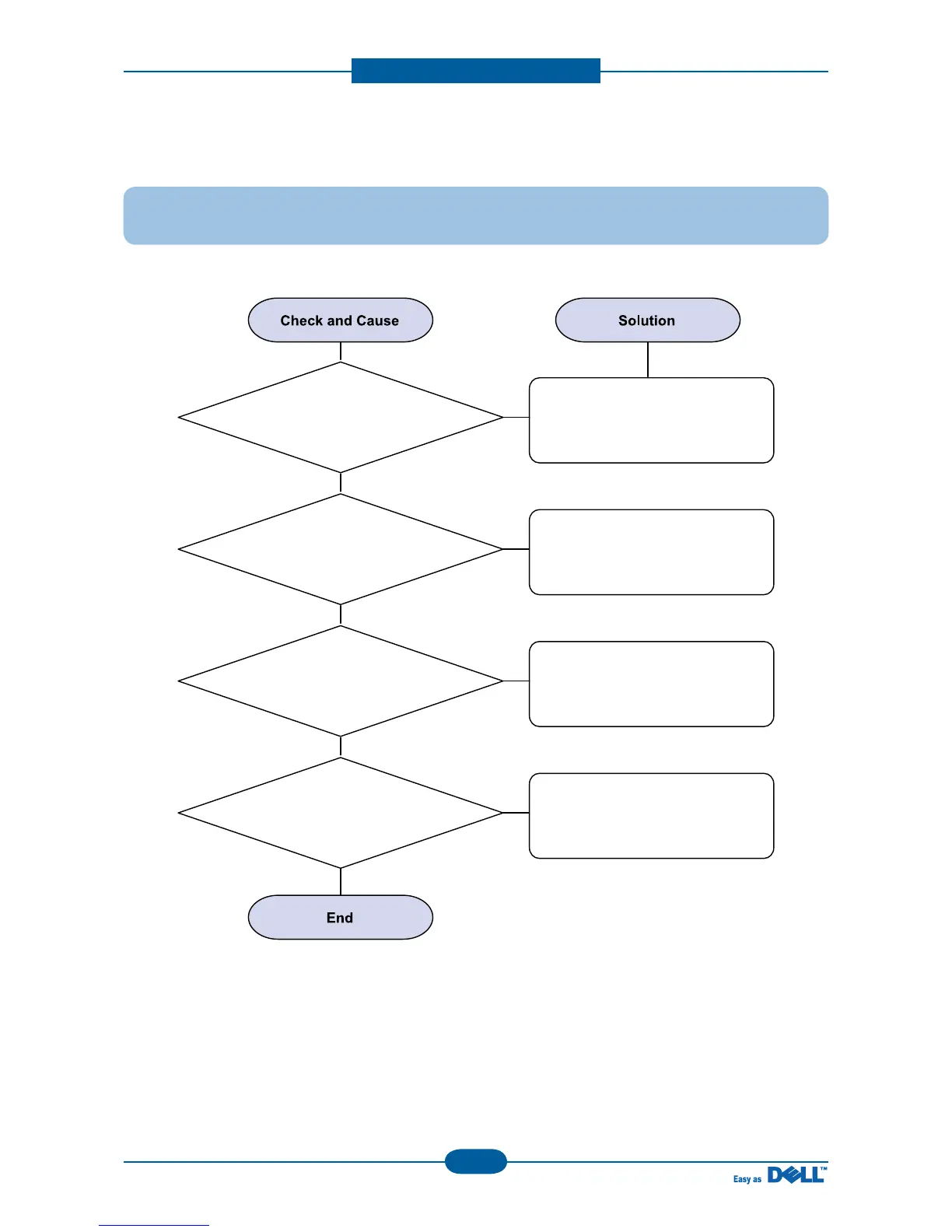
2) JAM 0
Description : 1. Paper is not exited from the cassette.
2. Jam-0 occurs when the paper feeds into the printer
1. Check the Solenoid by using
DCU diagnostic mode 06.
2. Check if the holder pad in the
cassette is worn away.
3. Check the surface of the
roller-pick up is contaminated.
4. If the paper
feeds into the printer rand
Jam 0 occurs, perform DCU to check
feed-sensor of the
engine board.
Replace the solenoid.
Replace the holder pad.
Clean with soft cloth dampened
with IPA(Isopropyl Alcohol) or
replace the pick up roller.
Replace the Sensor.


 To Next Page