Alignment and Troubleshooting
4-63
Service Manual
2) The printer is not working (2)
Description :
After receiving the printing order, no response at all or the low speed of printing occurs
due to wrong setup of the environment rather than malfunction of the printer itself.
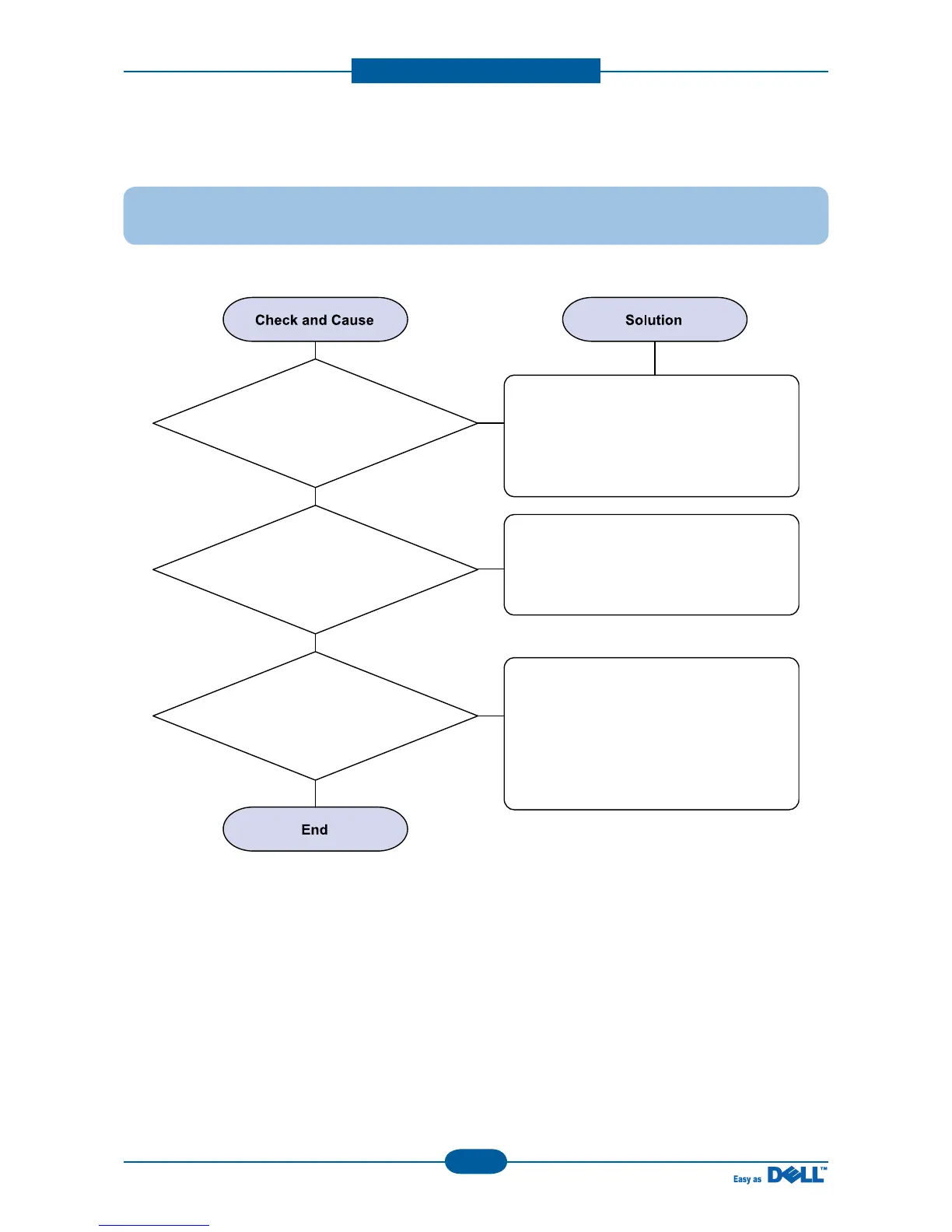
1. Secure more space of the hard disk.
Not working with the message 'insufficient
printer memory' means hard disk space
problem rather than the RAM problem.
In this case, provide more space for the
hard disk. Secure more space using the
disk utilities program.
The connection of the cable and printer
port is not proper. Check if the connection
is properly done and if the parallel port in
CMOS is rightly set up.
If the regular font is not printing, the cable
or the printer driver may be defective.
Turn the PC and printer off, and reboot the
system to print again. If not solved,
double-click the printer in my computer If
the regular fonts are not printed this time
again. The cable must be defective s,
replace the cable with new one.
2. Printing error occurs even
if there is enough space in the hard disk.
3. Reboot the system to print.



 To Next Page