Back to Contents Page
Prepare Printer Hardware
Removing Tape
Removing the Drum Ribbons
Installing the Toner Cartridges
Loading Paper
Removing Tape
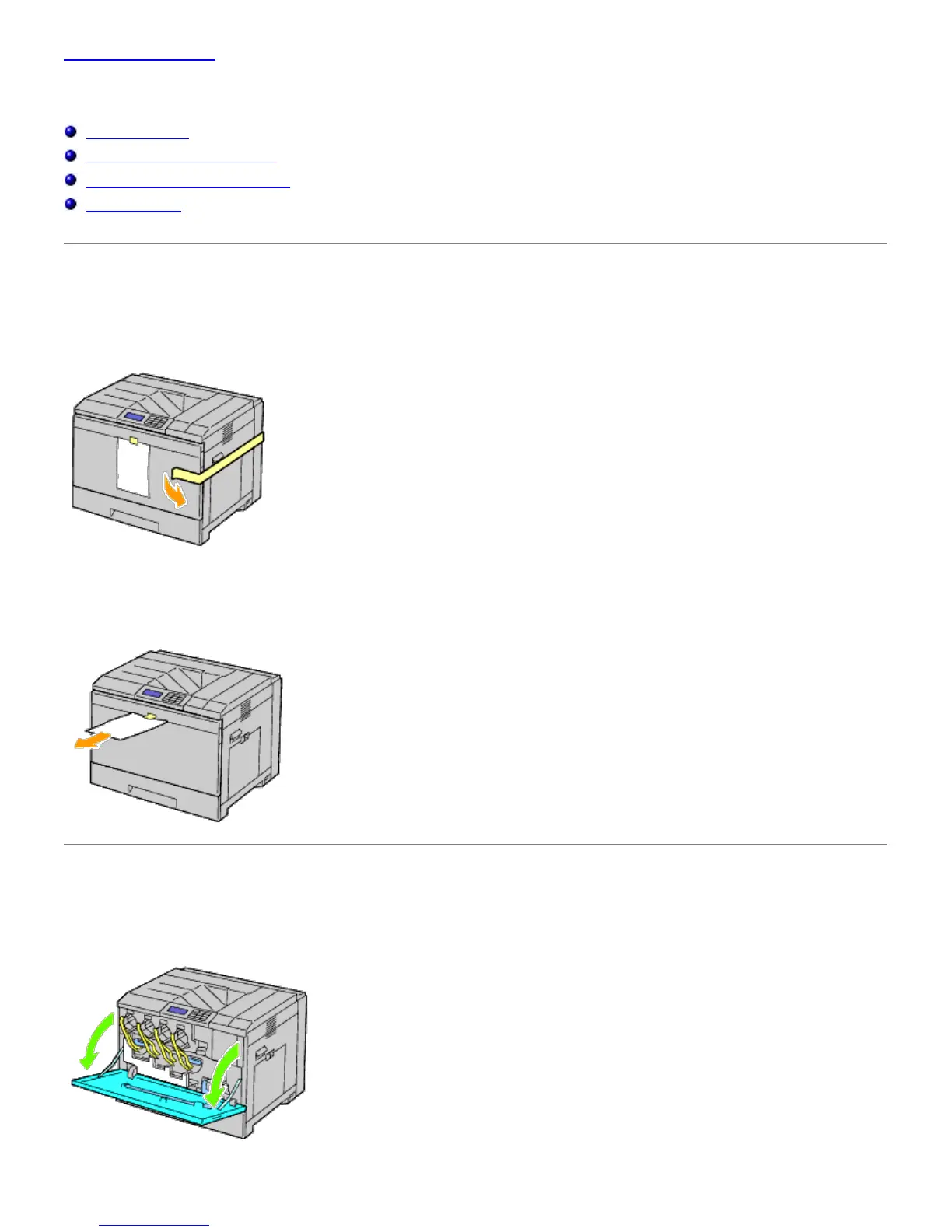
1. Remove the tape from the printer.
2. Remove the instruction sheet from the printer.
Refer to this sheet for setting up the drums and the toner cartridges.
Removing the Drum Ribbons
1. Open the front cover.
2. Pull out the ribbons (8), then remove the packaging material from the front of the printer.













 To Next Page