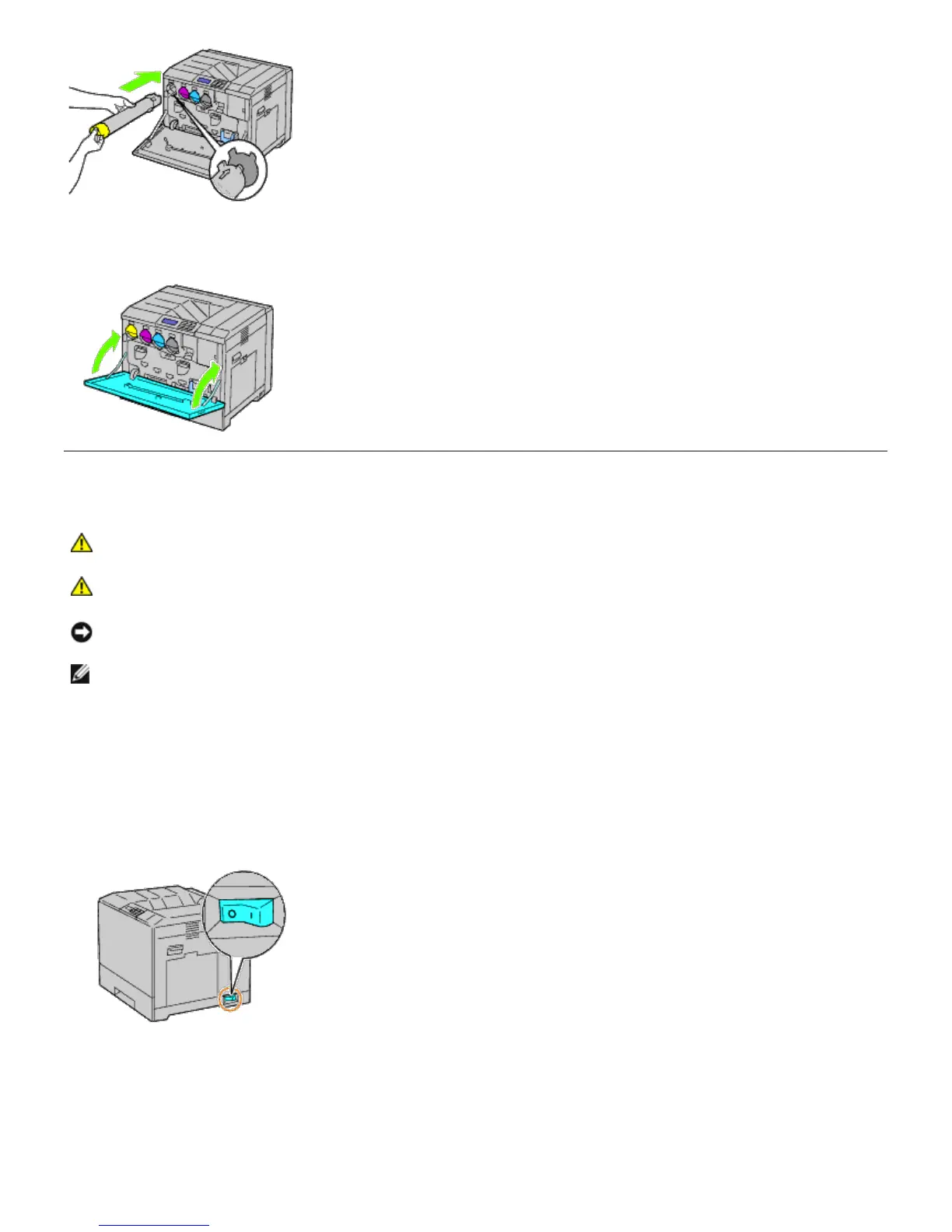
4. Close the front cover.
Replacing the Drum Cartridges
CAUTION: Before performing any of the following procedures, read and follow the safety instructions in
your Product Information Guide provided with your product.
CAUTION: To prevent electric shock, always turn off the printer and disconnect the power cable from
the grounded outlet before performing maintenance.
NOTICE: To protect the drum cartridges against bright light, close the inner cover within five minutes. If the front
cover remains open for more than five minutes, print quality may deteriorate.
NOTE: Video instructions are also available in the Maintenance Guide.
The Maintenance Guide is included in the Drivers and Utilities CD provided with your printer. Insert the Drivers and
Utilities CD into your printer.
Click start® Run, and then type D:\MaintenanceGuide\MaintenanceGuide.exe (where D is the drive
letter of your CD), and then click OK.
Removing the Drum Cartridges
1. Turn off the printer.
2. Open the front cover.













 To Next Page