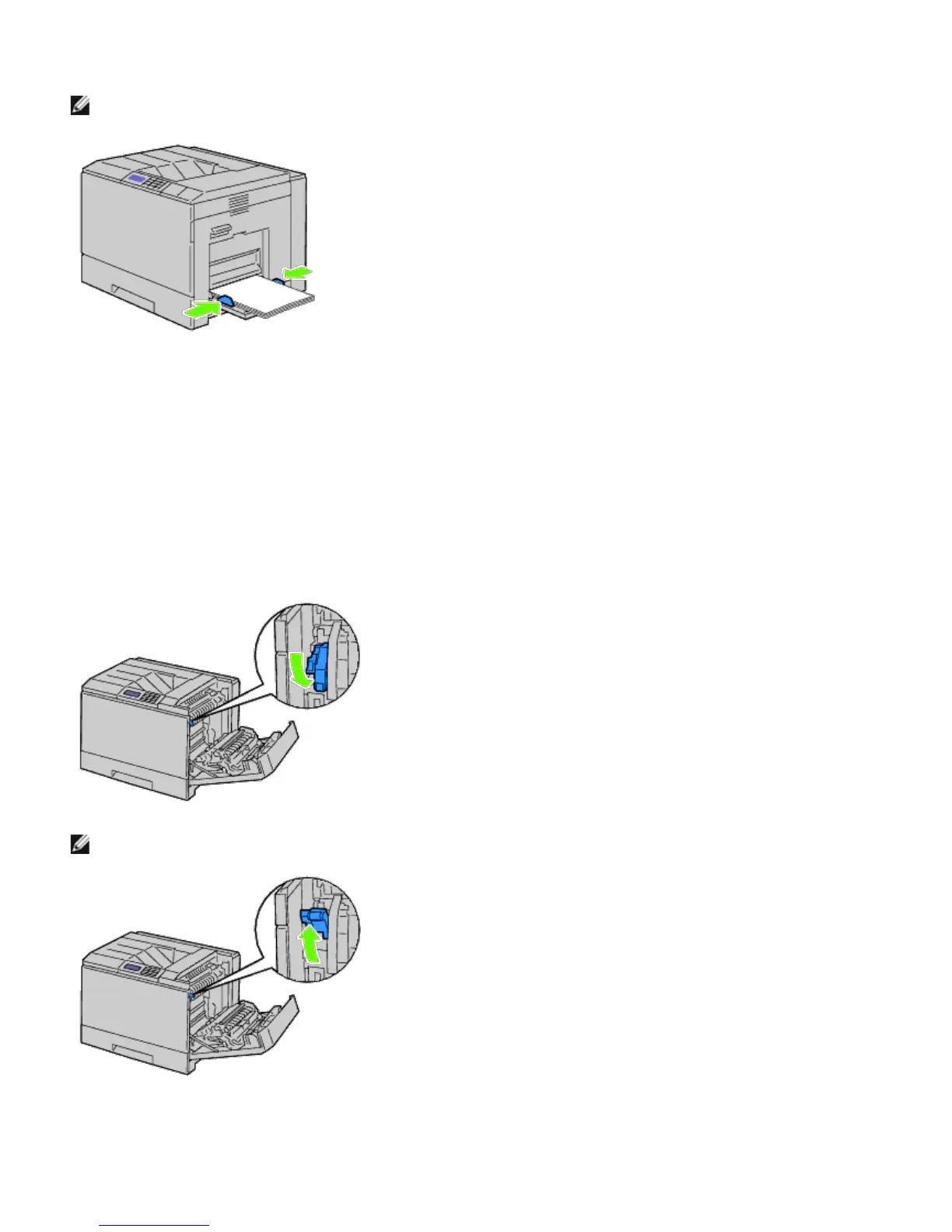
5. Slide both width guides until they rest lightly against the edge of the print media stack.
NOTE: Do not force the print media into the MPF.
6. Ensure the type setting for the MPF is set to the correct value for the print media you have loaded.
7. Select print media source, size, and type in your software program and select the print media size and type on the
printer operator panel.
Loading an Envelope in the MPF
1. Open the right hand cover.
2. Press down the lever to set the envelope mode.
NOTE: If you insert plain paper in the other tray, lift up the lever.
3. Insert the envelopes with the flaps closed and the short-edge of the envelopes facing into the printer.
Orient the print side facing down and slide the envelope into the entry slot.
You can load envelopes up to the maximum fill line in the tray at one time.













 To Next Page