the paper package.
Do not use paper that you have cut or trimmed yourself.
Do not mix print media sizes, weights, or types in the same source. This may result in a paper jam.
Do not remove the tray while a job is printing.
Ensure that the paper is properly loaded in the tray.
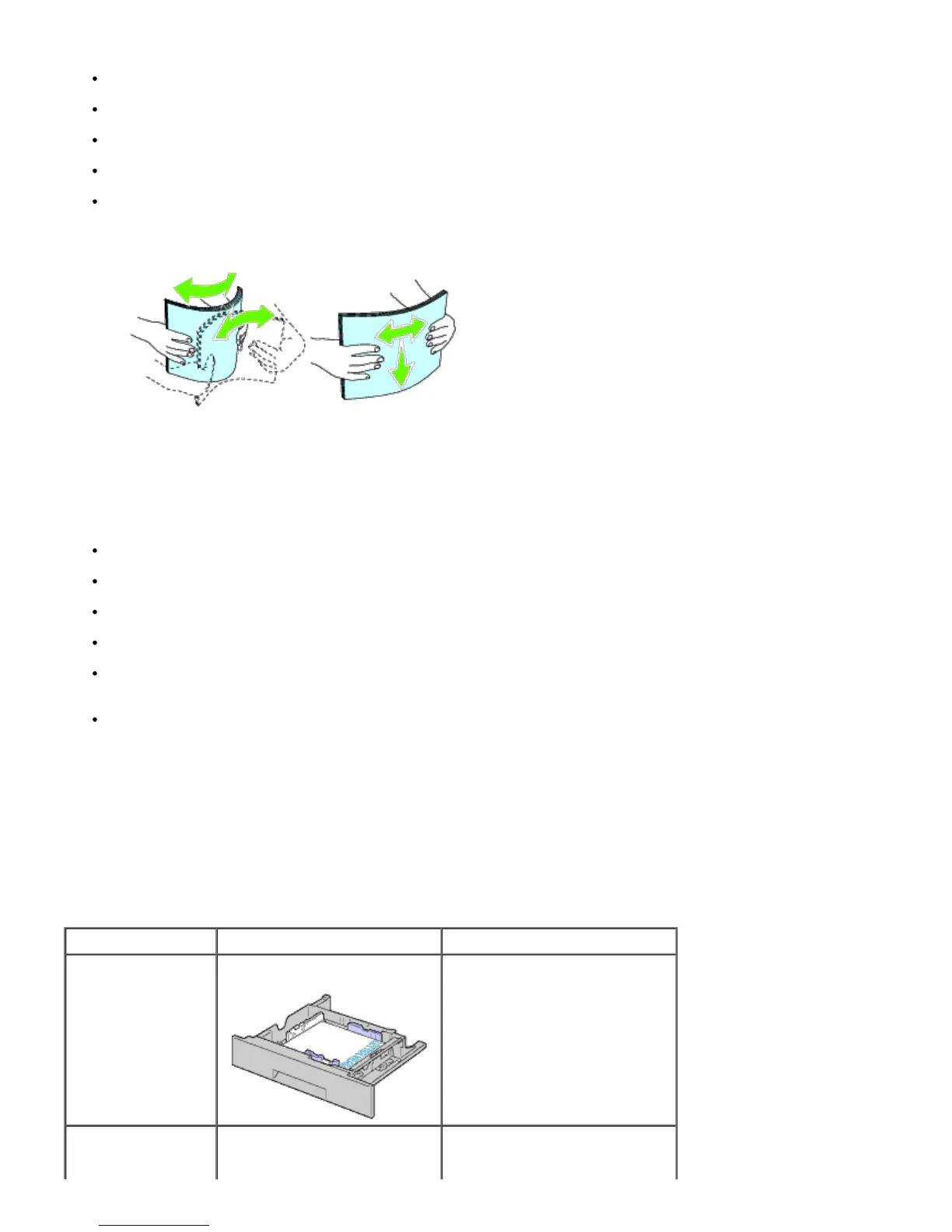
Flex paper back and forth, and then fan them. Straighten the edges of the stack on a level surface.
Selecting Preprinted Media and Letterhead
When selecting preprinted media and letterhead paper for the printer:
Use grain long paper for best results.
Use only media and letterhead printed using an offset lithographic or engraved printing process.
Select paper that absorb ink, but do not bleed.
Avoid paper with rough or heavily textured surfaces.
Use paper printed with heat-resistant inks designed for use in xerographic copiers. The ink must withstand
temperatures of 225°C (437°F) without melting or releasing hazardous emissions.
Use inks that are not affected by the resin in toner or the silicone in the fuser. Inks that are oxidation-set or oil-
based should meet these requirements; latex inks might not. If you are in doubt, contact your paper supplier.
Printing on Letterhead
Check with the manufacturer or vendor to determine whether the pre-printed letterhead you have selected is acceptable
for laser printers.
Page orientation is important when printing on letterhead. Use the following table for help when loading letterhead in the
print media sources.
Print media source Print side Page orientation
Tray 1
550-sheet feeder
1100-sheet feeder
Face up
Letterhead enters the printer first
Face down













 To Next Page