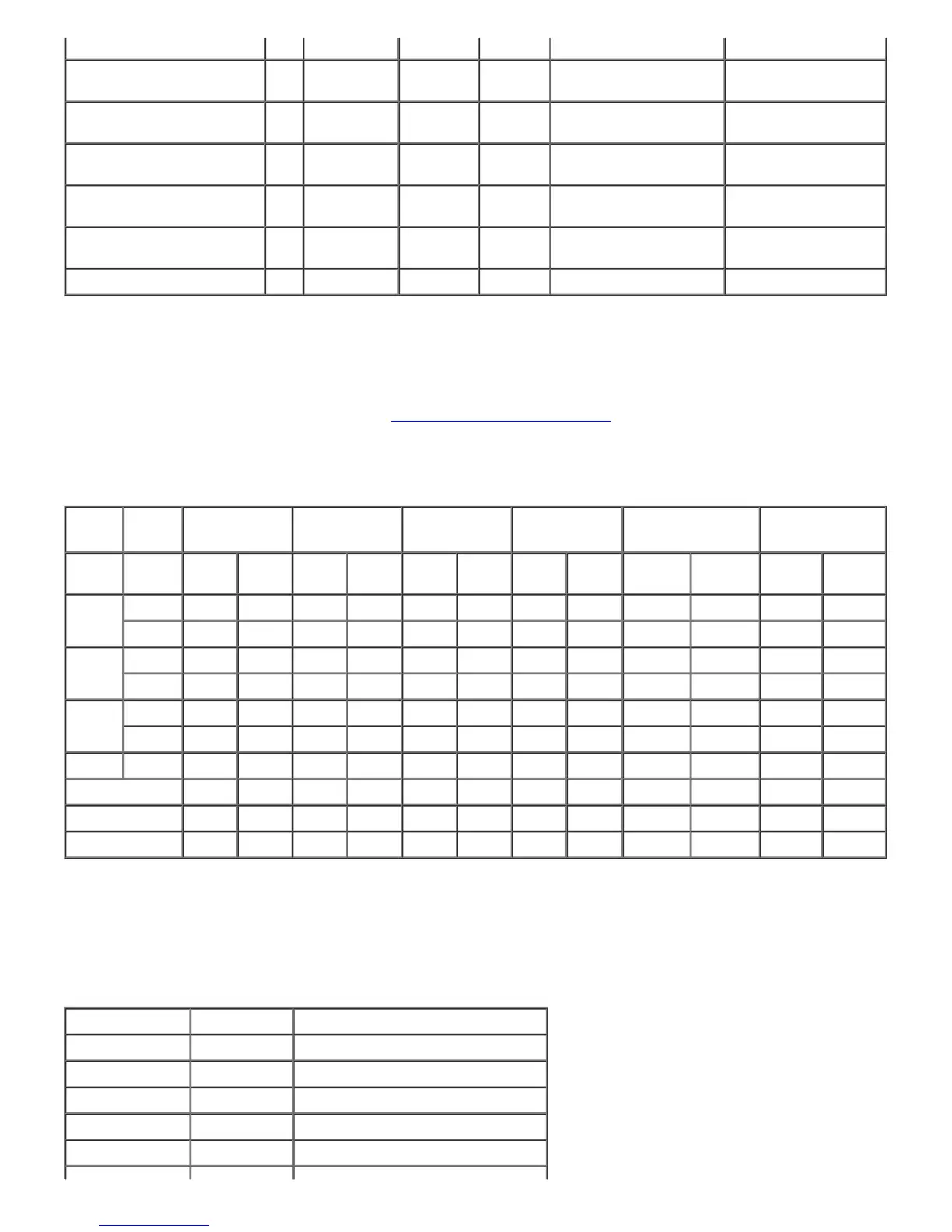
(8.5 x 14 in.)
Executive
(7.25 x 10.5 in.)
Y Y Y Y N Y
Envelope #10 (4.125 x 9.5
in.)
Y
Y*
3
N N Y N
Monarch
(3.875 x 7.5 in.)
Y
Y*
3
N N Y N
DL
(4.25 x 8.75 in.)
Y
Y*
3
N N Y N
C5
(9 x 6.5 in.)
Y
Y*
3
N N Y N
Custom Y Y Y Y Y Y
*1
: In this mode, each page is output separately to the stacker tray.
*2
: In this mode, the document is sorted into sets or jobs and output to the stacker tray.
*3
: To print envelopes using the standard tray, you must select the kind of the
envelope in the Tray1 Settings. For details, see "
Understanding the Printer Menus."
Supported Paper Types
MPF Standard Tray Option Tray Duplexer
Output Expander
(Sheet*
1
)
Output Expander
(Set*
2
)
One-
sided
Two-
sided
One-
sided
Two-
sided
One-
sided
Two-
sided
One-
sided
Two-
sided
One-
sided
Two-
sided
One-
sided
Two-
sided
Plain
Normal Y Y Y N Y N Y N N N Y N
Thick Y Y Y N Y N Y N N N Y N
Covers
Normal Y Y Y N Y N Y N N N Y N
Thick Y Y Y N Y N N N N N Y N
Coated
Normal Y Y Y N N N Y N Y N N N
Thick Y Y Y N N N N N Y N N N
Label Normal Y N Y N N N N
N Y N N N
Envelope Y N Y N N N N N Y N N N
Recycled Y Y Y N Y N Y N N N Y N
Transparency Y N Y N N N N N Y N N N
*1
: In this mode, each page is output separately to the stacker tray.
*2
: In this mode, the document is sorted into sets or jobs and output to the stacker tray.
Paper Type Specifications
Paper type Weight (gsm) Remarks
Plain Paper 60-80 -
Plain Thick Paper 81-105 -
Covers 106-162 -
Covers Thick 163-216 -
Coated Normal 106-162 Inkjet printer paper cannot be used.













 To Next Page