Loading Print Media in the MPF
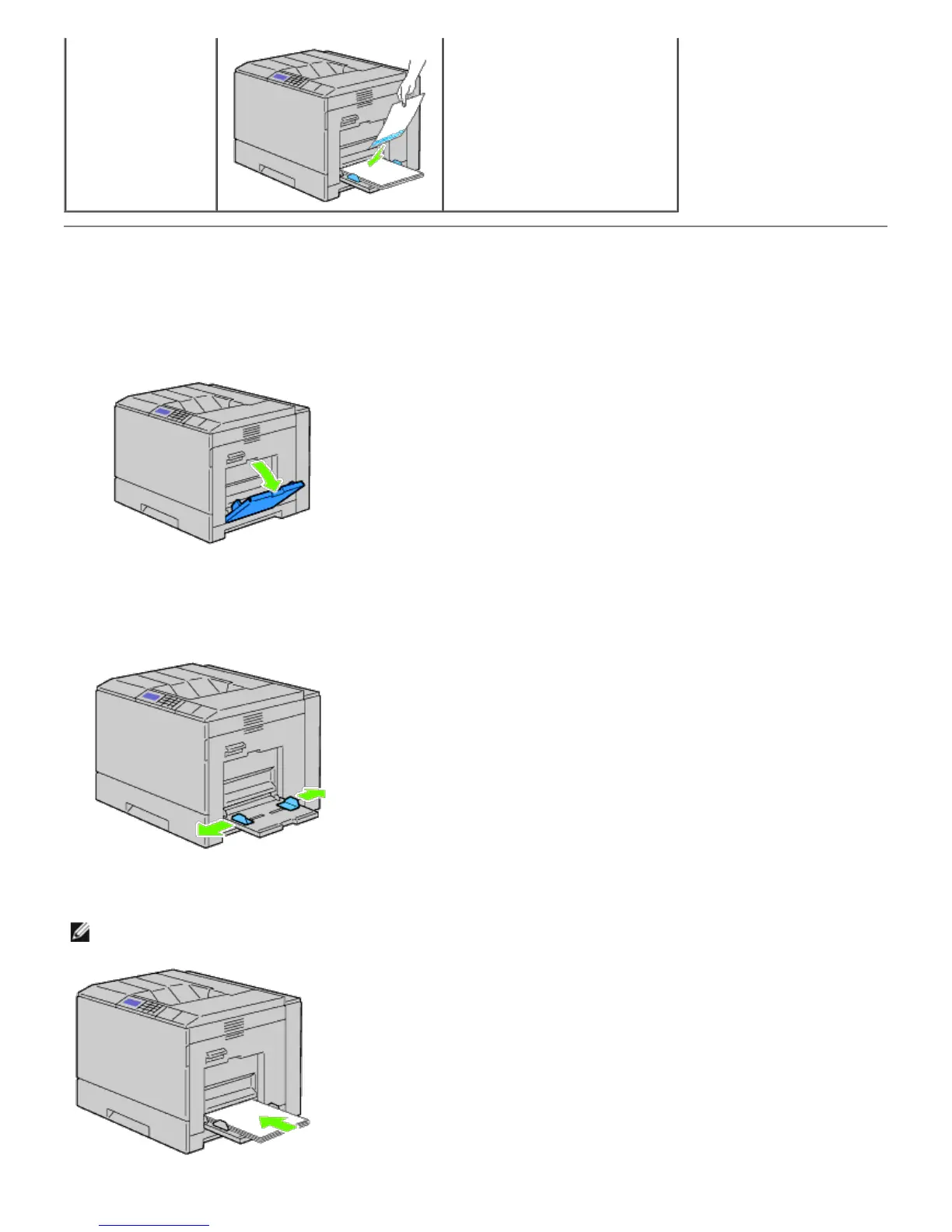
1. Gently pull open the MPF cover.
2. Extend the extension tray.
3. Slide the width guides to the edge of the tray. The width guides should be fully extended.
4. Insert all media facing down and top edge first into the MPF.
NOTE: Do not force the print media into the MPF.













 To Next Page