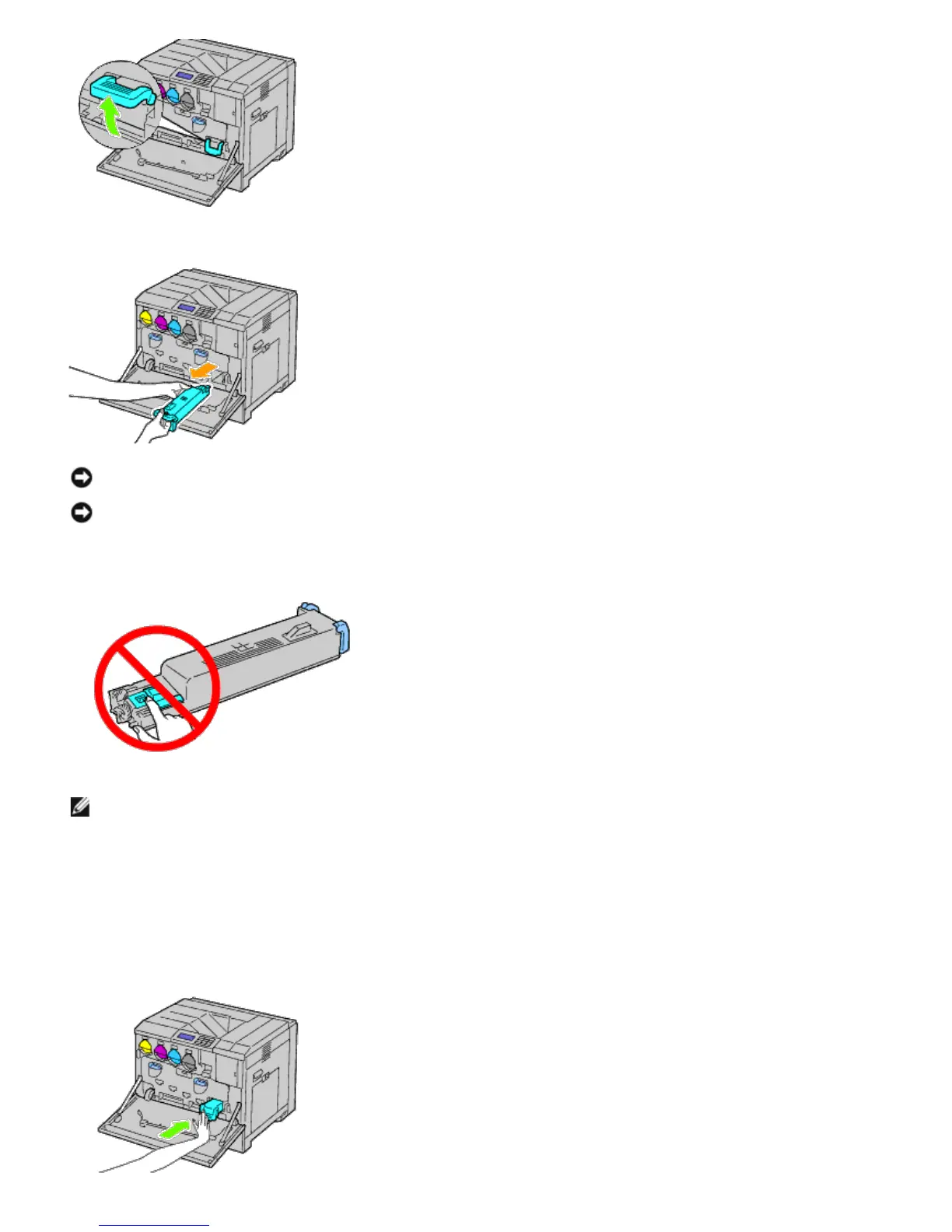
3. Grasp the waste toner box with your other hand as shown in the illustration, and pull it out of the printer.
NOTICE: Take care to avoid dropping the waste toner box while you are removing it.
NOTICE: After removing the waste toner box, do not touch the parts shown in the illustration. Toner can dirty or
stain your hands.
NOTE: Be careful not to spill toner when handling the waste toner box.
4. Insert the used waste toner box into the plastic bag that came with the new waste toner box and seal the bag.
Installing a Waste Toner Box
1. Insert the new waste toner box into the slot and press it in until it stops.













 To Next Page