NOTE: Do not touch the area shown in the illustration when you shake the cartridge.
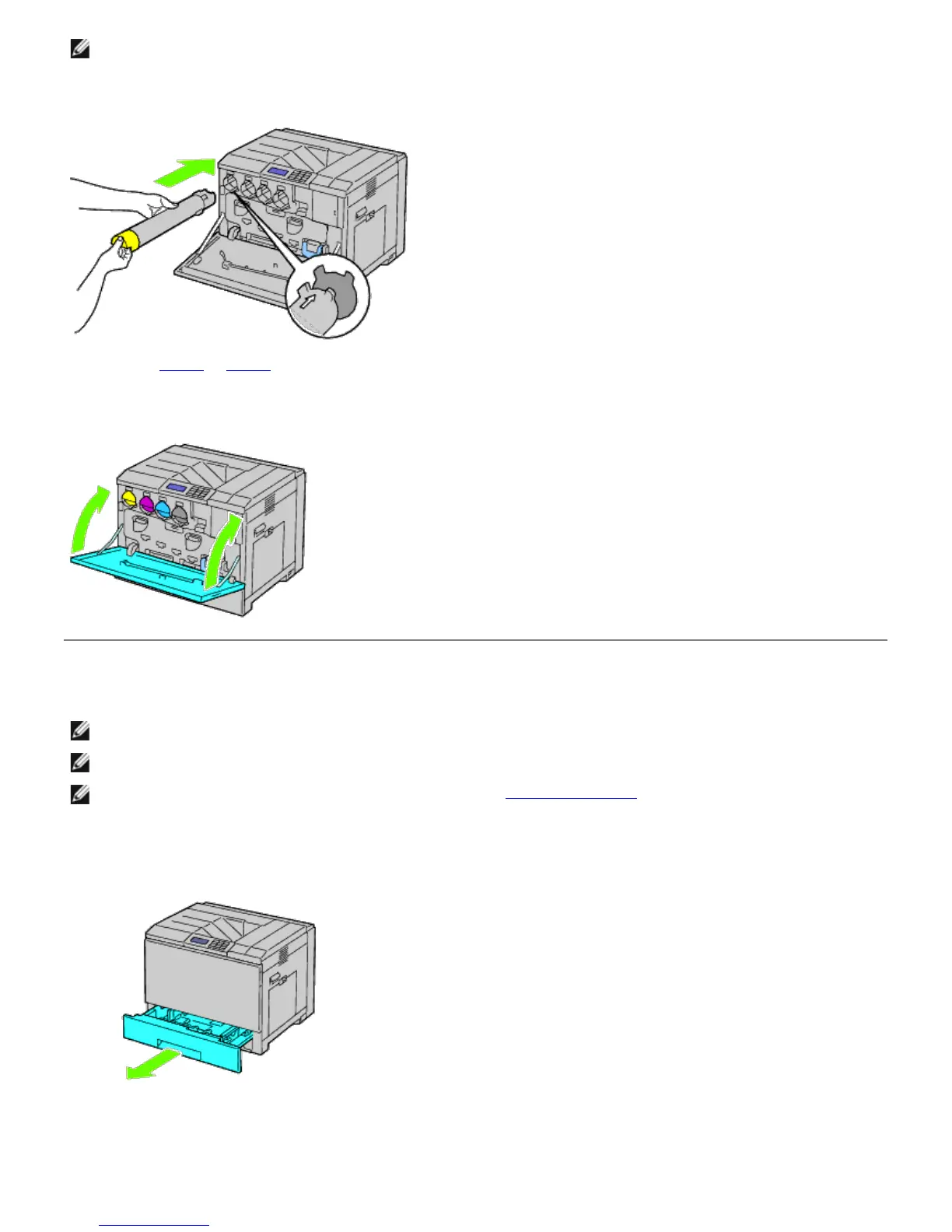
4. Align the arrow on the cartridge with the arrow on the printer, and slide in the cartridge until it stops.
5. Repeat Step 2 to Step 4 to install magenta, cyan, and black cartridges.
6. Close the front cover.
Loading Paper
NOTE: To avoid paper jams, do not remove the tray while a printing is in progress.
NOTE: Use only laser print media. Do not use ink jet paper in this printer.
NOTE: For printing from the MPF or envelope printing, see "Loading Print Media."
All trays are loaded the same way:
1. Remove the paper tray from the printer.
2. Adjust the width guides to the size of paper to be loaded.













 To Next Page