Installing a Drum Cartridge
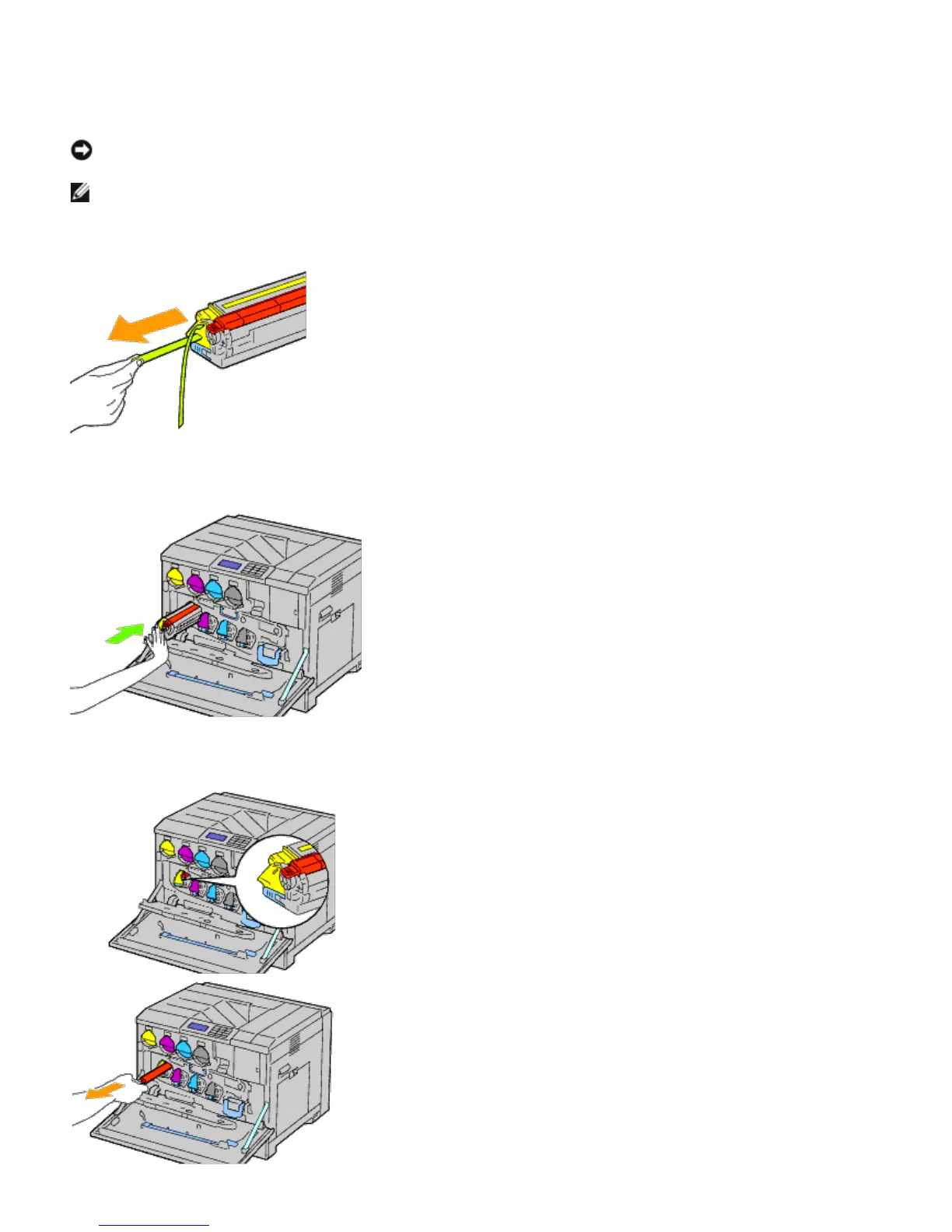
1. Unpack a new drum cartridge.
NOTICE: To protect the drum from overexposure to bright light, do not remove the orange protective covering
until you have inserted the cartridge in the printer.
NOTE: Be careful not to spill toner when handling the drum cartridge.
2. Pull out the two ribbons.
3. Slide the cartridge into the correct slot.
4. Remove the orange protective covering of the installed drum cartridge and discard.













 To Next Page