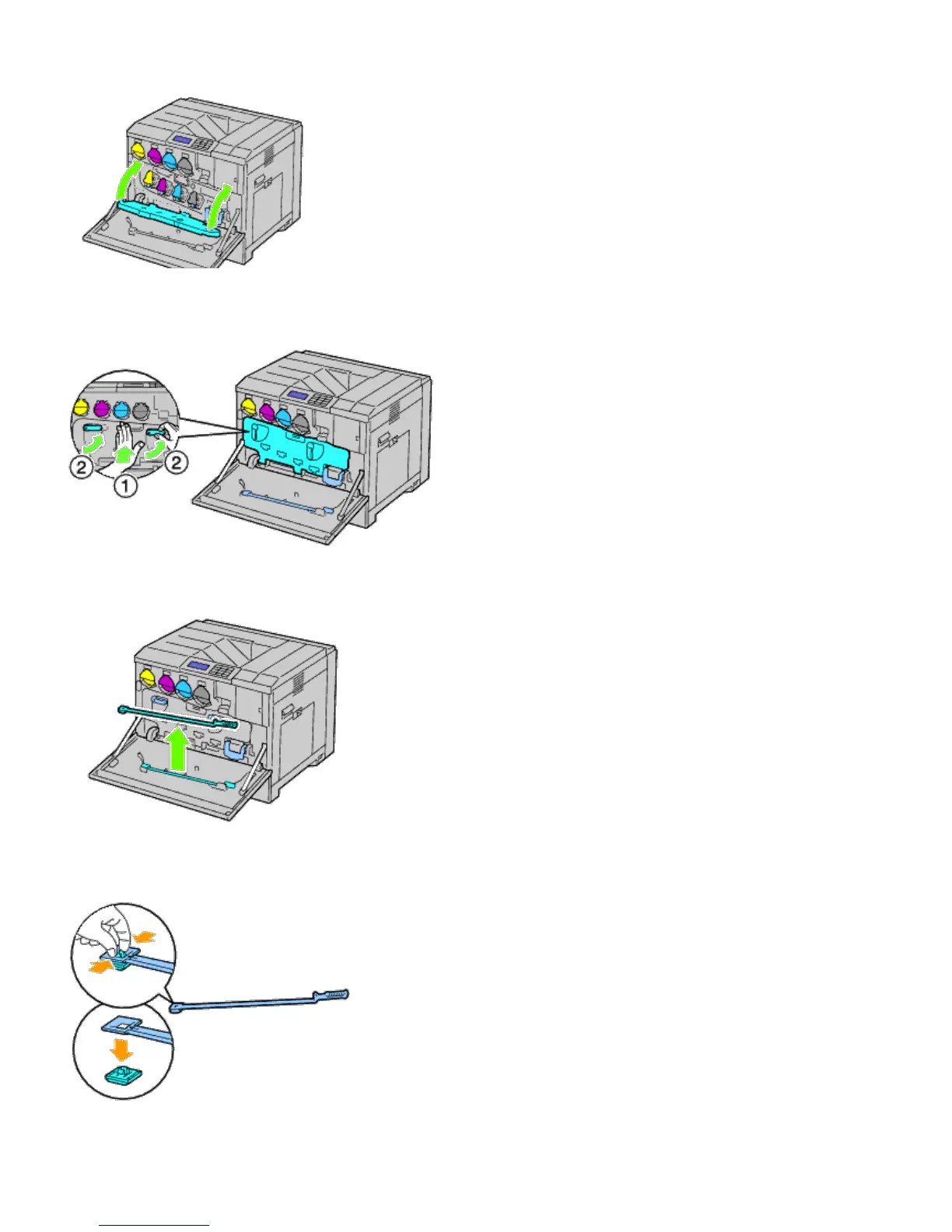
5. Close the inner cover.
6. Rotate the lock levers to secure the inner cover while pressing the cover with the other hand.
7. Remove the cleaning rod from the backside of the front cover.
8. Remove the cleaning pad by pressing the white tabs between your thumb and index finger.
9. Unpack a new cleaning pad.
10. Attach the new cleaning pad to the cleaning rod.













 To Next Page