NOTE: To avoid paper jams, do not remove the tray while a printing is in progress.
NOTE: Use only laser print media. Do not use ink jet paper in this printer.
All trays are loaded the same way:
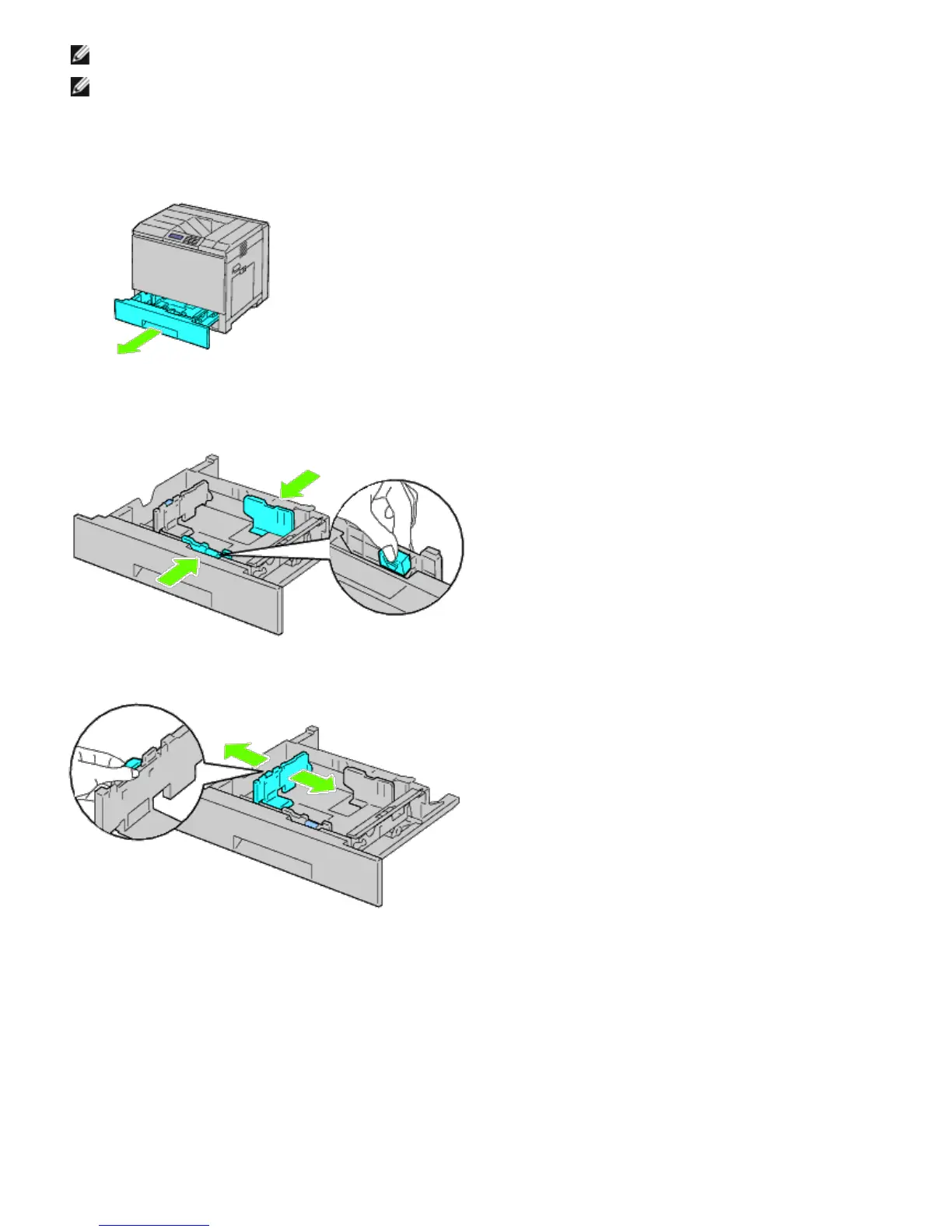
1. Remove the paper tray from the printer.
2. Adjust the width guides to the size of paper to be loaded.
3. Adjust the length guide to the size of paper to be loaded.
4. Before loading the paper, flex the sheets back and forth, and then fan them.
Straighten the edges of the stack on a level surface.













 To Next Page