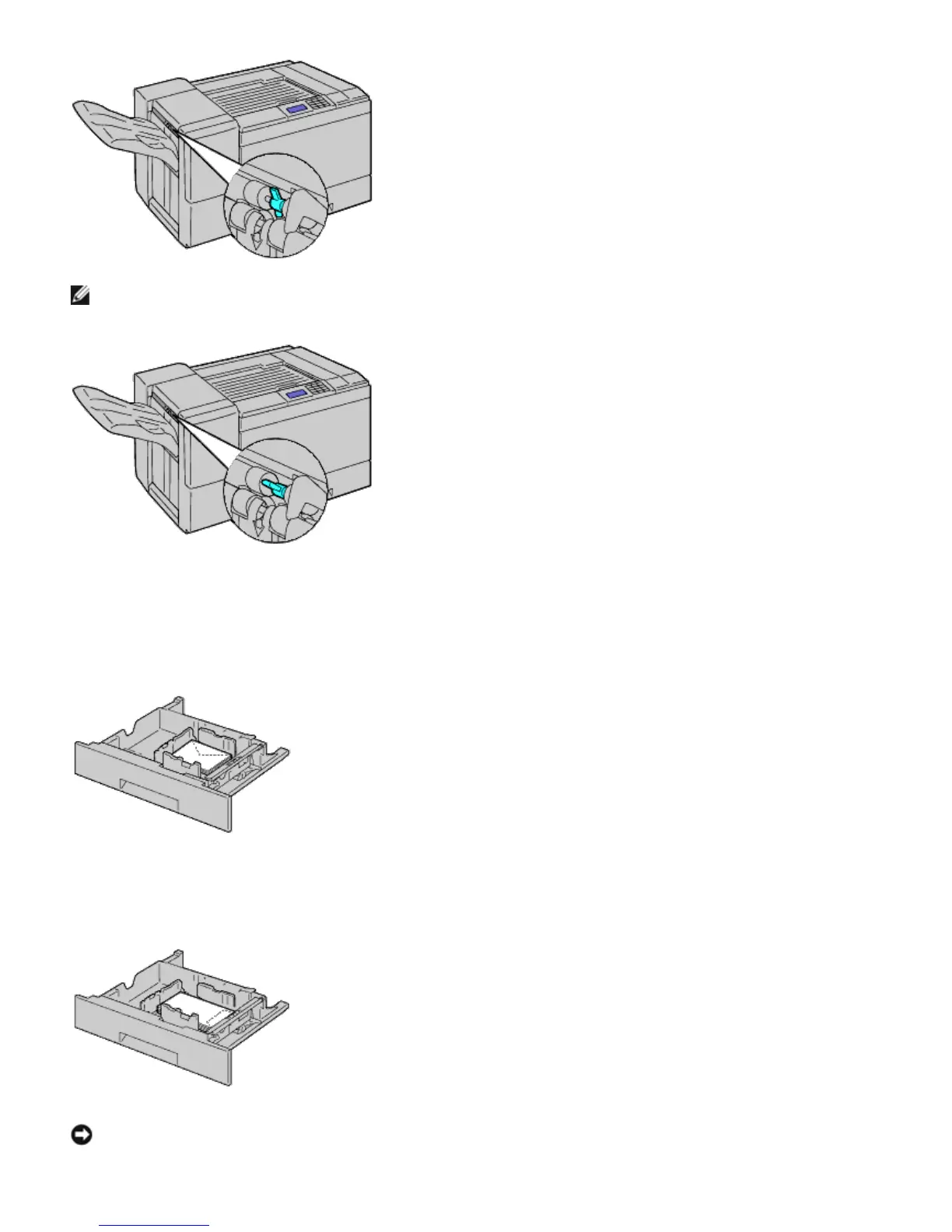
NOTE: To print plain paper using the optional output expander, check if the lever is pulled down as shown in the
illustration.
3. Load the envelope into the tray.
When Loading Envelope#10, Monarch, or DL
When Loading C5
NOTICE: Never use envelopes with windows, coated linings, or self-stick adhesives. These lead to paper jams and
can cause damage to the printer.













 To Next Page