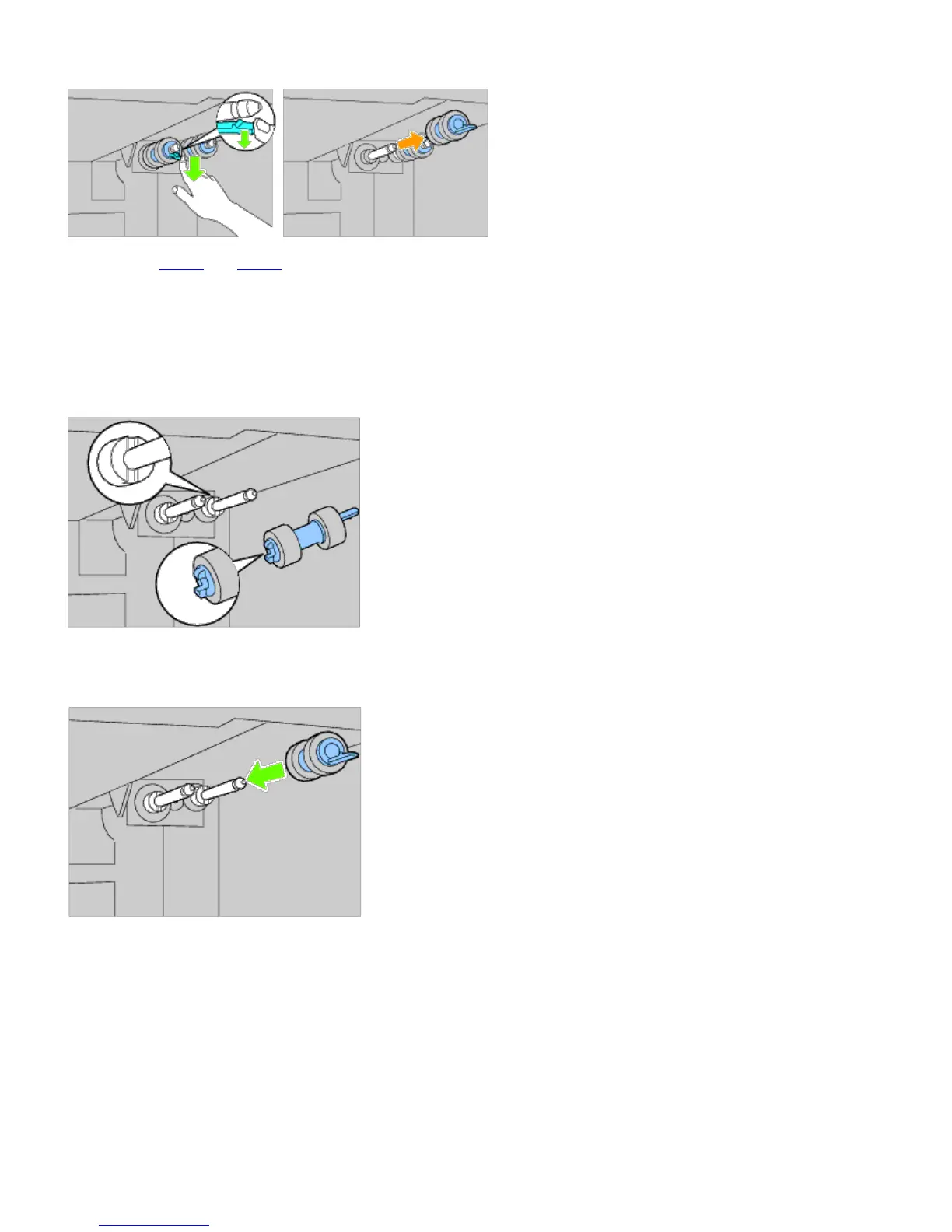
3. Pull the separator roller hook out of the groove on the axle, and then slide the separator roller to the front.
4. Repeat Step 2 and Step 3 to remove other separator rollers from inside the printer.
Installing Separator Rollers Inside the Printer
1. Align the hole of the new separator roller with the axle.
2. Slide the separator roller along the axle so the protrusions fit completely into the slots and the roller hook reseats
into the groove on the axle.
3. Replace the tray into the printer.













 To Next Page