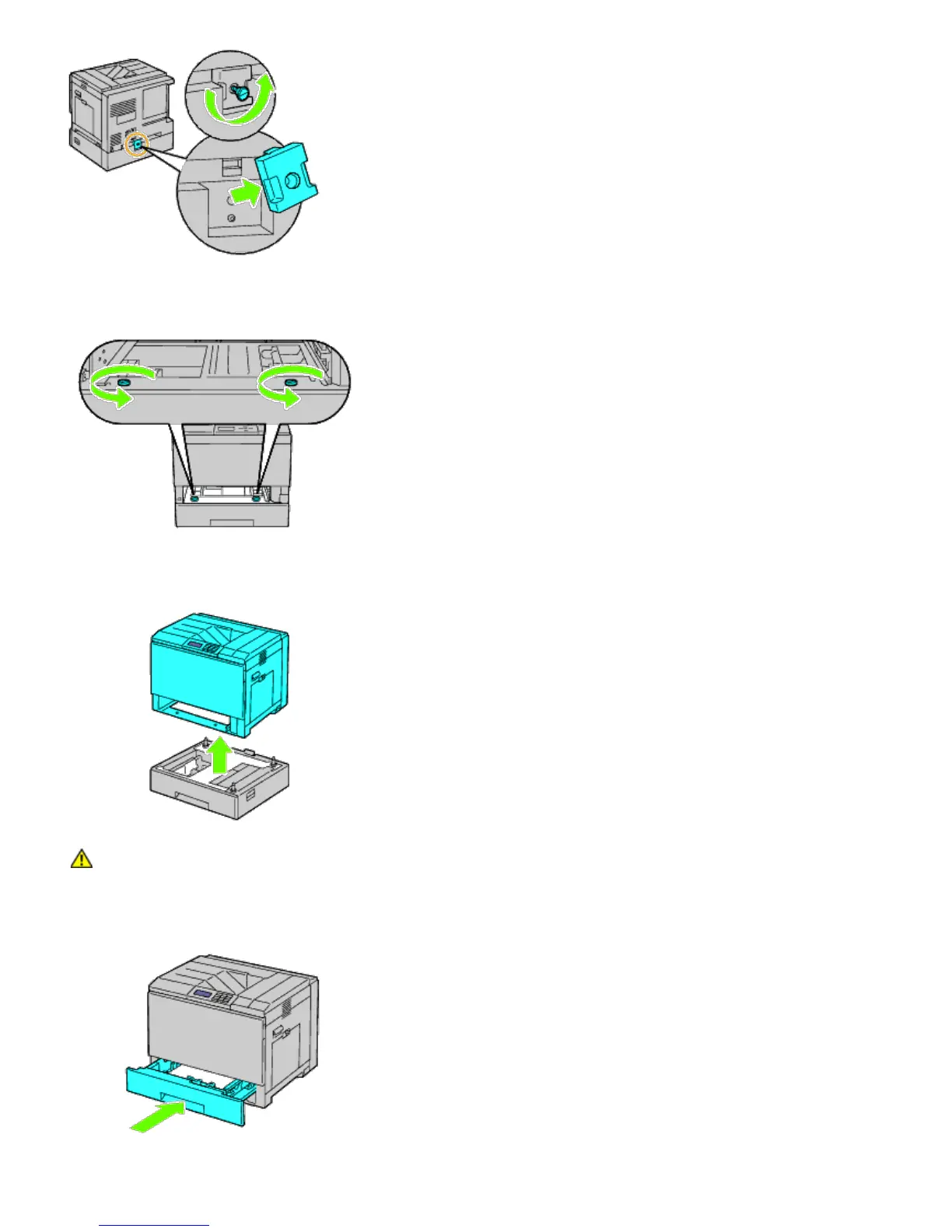
4. Remove the two screws joining the printer and the sheet feeders by unscrewing them with a coin or similar object.
5. Gently lift the printer off the tray module, and place it on a level surface.
CAUTION: To lift the printer safely, lift it with three people.
6. Insert the tray into the printer, and push it until it stops.













 To Next Page