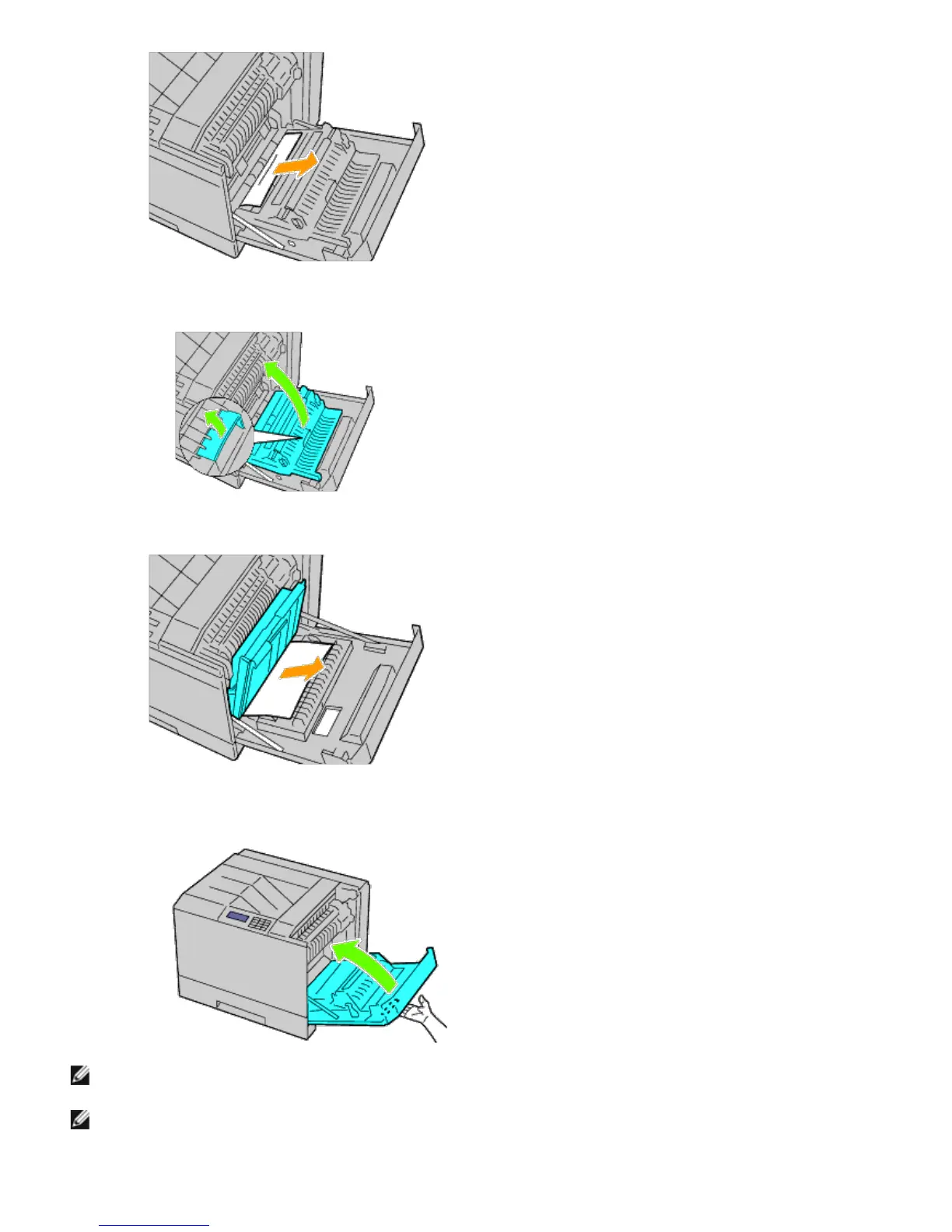
3. Use the handle to lift the duplexer.
4. Remove any remaining pieces of paper.
5. Close the right hand cover.
NOTE: When closing the right hand cover, apply your hand in the vicinity of the handle as shown in the illustration,
and then press the cover firmly toward the printer.
NOTE: Stand straight in front of the right hand cover and not in front of the front cover, whenever you close the
right hand cover.
6. Remove tray 1 from the printer.













 To Next Page