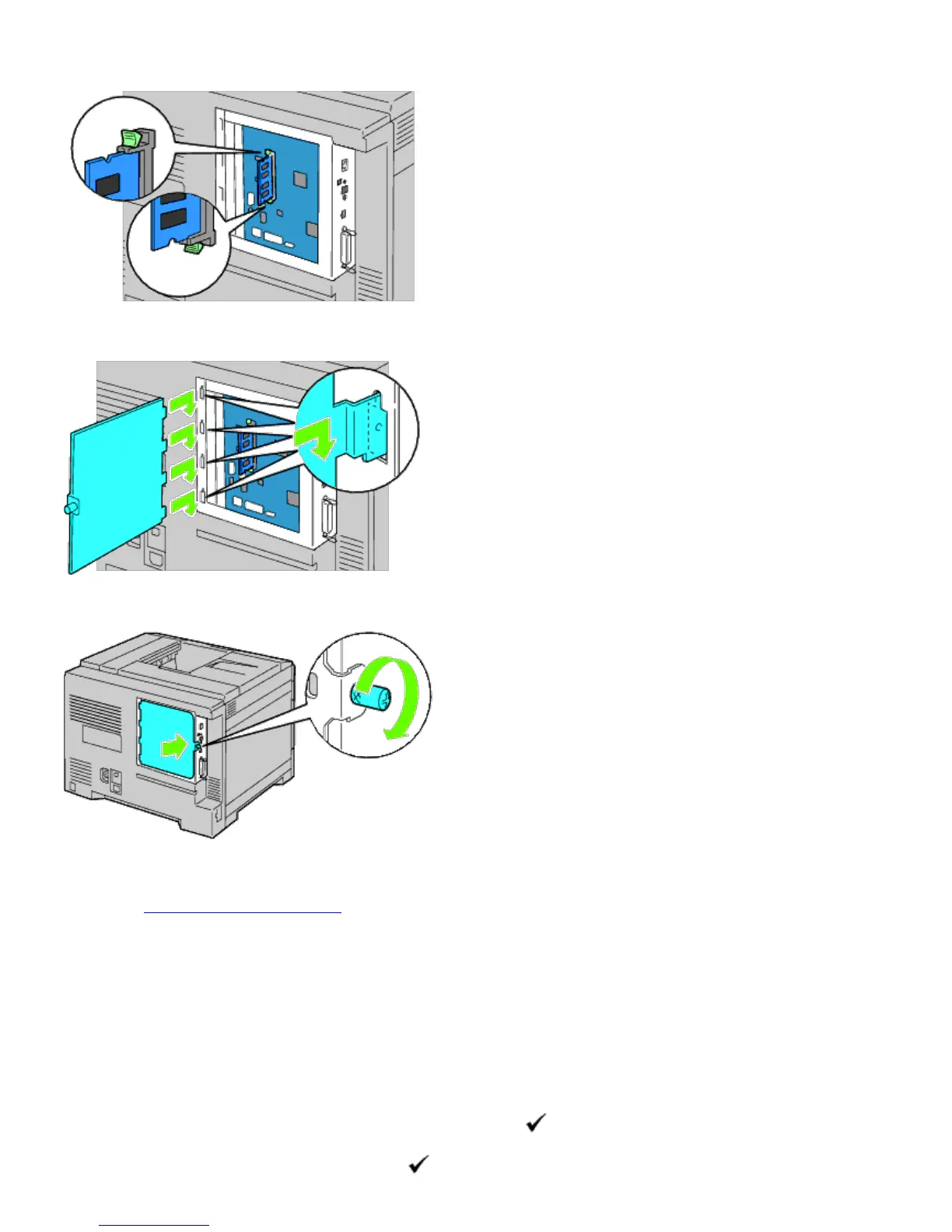
5. Check that the tabs are locked.
6. Install the control board cover.
7. Close the control board cover and rotate the screw clockwise.
8. Turn on the printer.
9. Print the printer settings page to verify that the memory is installed correctly by following the instructions below.
See "Printing Printer Settings Page."
Printing Printer Settings Page
When Using the Operator Panel
a. Press Menu button.
b. Ensure Report/List is highlighted, and then press
(Set) button.
c.













 To Next Page