Using the System Setup Program 4-3
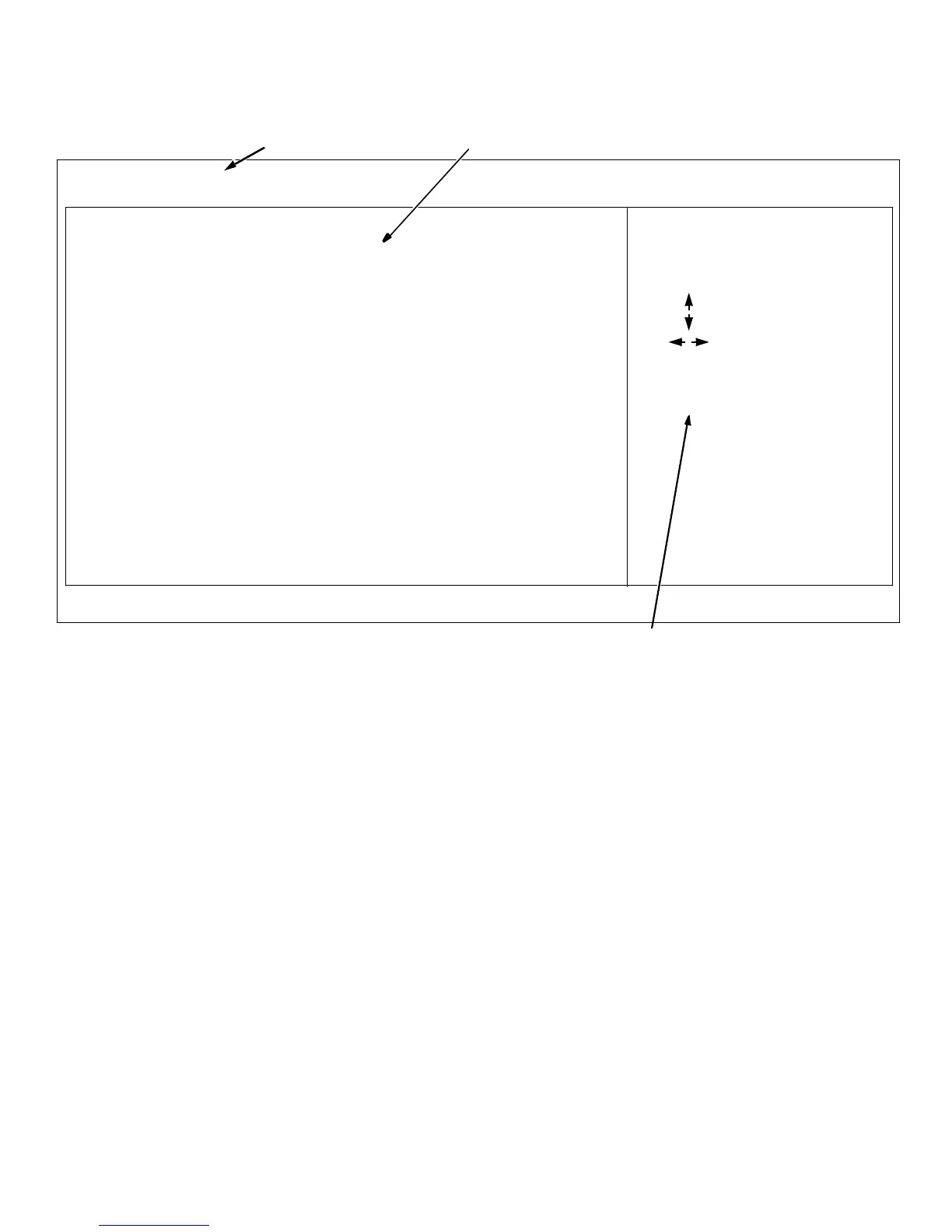
Figure 4-1. Main Menu of the System Setup Program
E
ntering the System Setup
Program
You can enter the system setup program by pressing the
<F1> key when prompted while the computer is booting
up.
If you wait too long, your operating system begins to load
into memory. In this case, let the system complete the
load operation; then restart the system and try again.
NOTE: To ensure an orderly system shutdown, consult
the documentation that accompanied your operating
system.
You can also enter the system setup program by respond-
ing to certain error messages. (See “Responding to Error
Messages” at the end of this chapter.)
S
ystem Setup Program Menus
The following sections describe the system setup catego-
ries in the Main, Advanced, Security, and Exit menus.
Use the arrow keys to change from one menu to the next.
Categories that you can change are displayed in black
text. System data is displayed in blue text. Categories that
appear in gray text cannot be changed due to security
restrictions or other factors.
Main Menu Categories
This section explains each of the system setup categories
in the Main menu (see Figure 4-1).
configuration options and system data
menu bar
key functions
F1 Help
ESC Back
Enter Select
Previous Item
Next Item
Select Menu
F5 Setup Defaults
F6 Previous Value
F10 Save & Exit
System Date Dec 12 1996
System Time 9:01:16
Floppy Options Press Enter
Primary IDE Master Not Installed
Primary IDE Slave Not Installed
Secondary IDE Master Not Installed
Secondary IDE Slave Not Installed
Language English (US)
Boot Options Press Enter
Video Mode EGA/VGA
Mouse Installed
Base Memory 640 KB
Extended Memory 64512 KB
Main Advanced Security Exit













 To Next Page