Charging your keyboard
│
15
Charging your keyboard
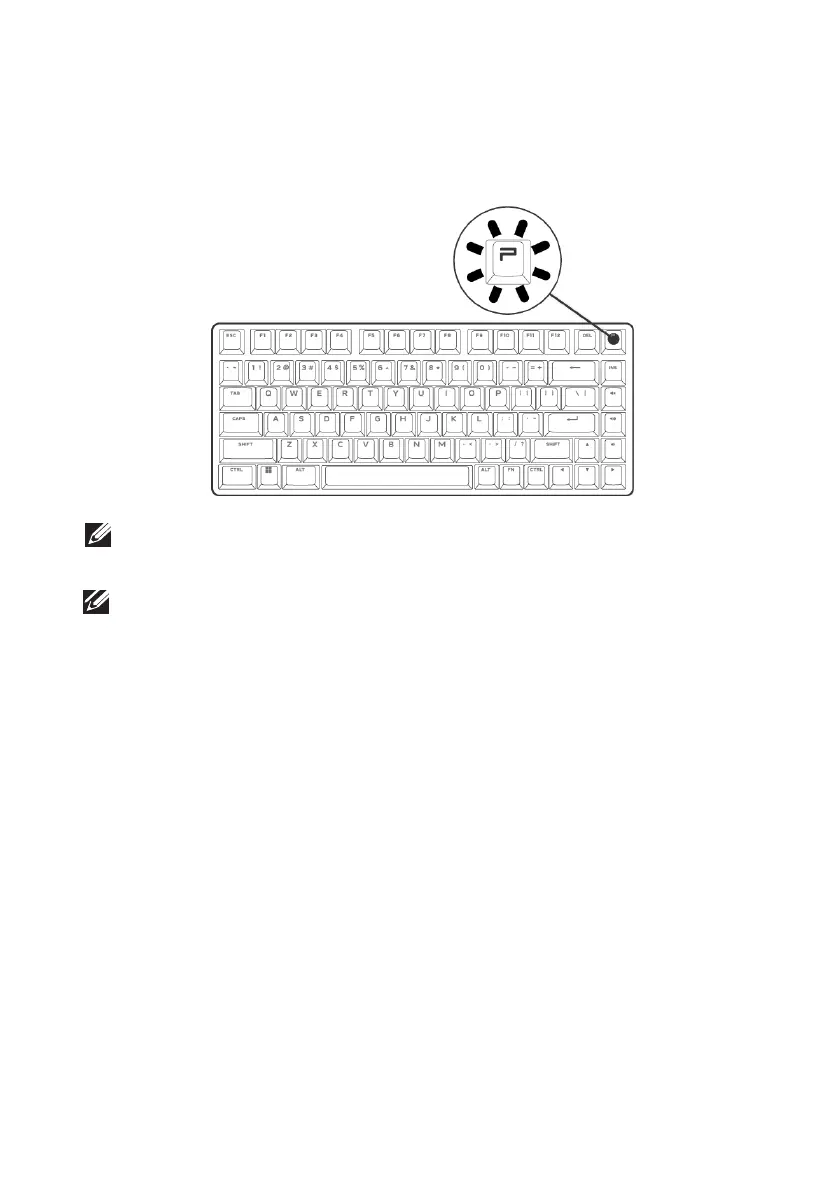
Low battery
When the battery is lower than 10%, the Profile key blinks in amber color.
It is highly recommended to charge your keyboard immediately.
NOTE: In the low battery status, the P key blinks in amber color for five seconds
and rests for 20 seconds in a periodic cycle.
NOTE: Sleep mode:
- After 30 min of inactivity, the keyboard will go to sleep mode (if in RF/BT mode).
- In sleep mode, any keyboard activity such as pressing the keyboard button wakes
up the keyboard.



 To Next Page