Operating the monitor | 39
Menu submenus Description
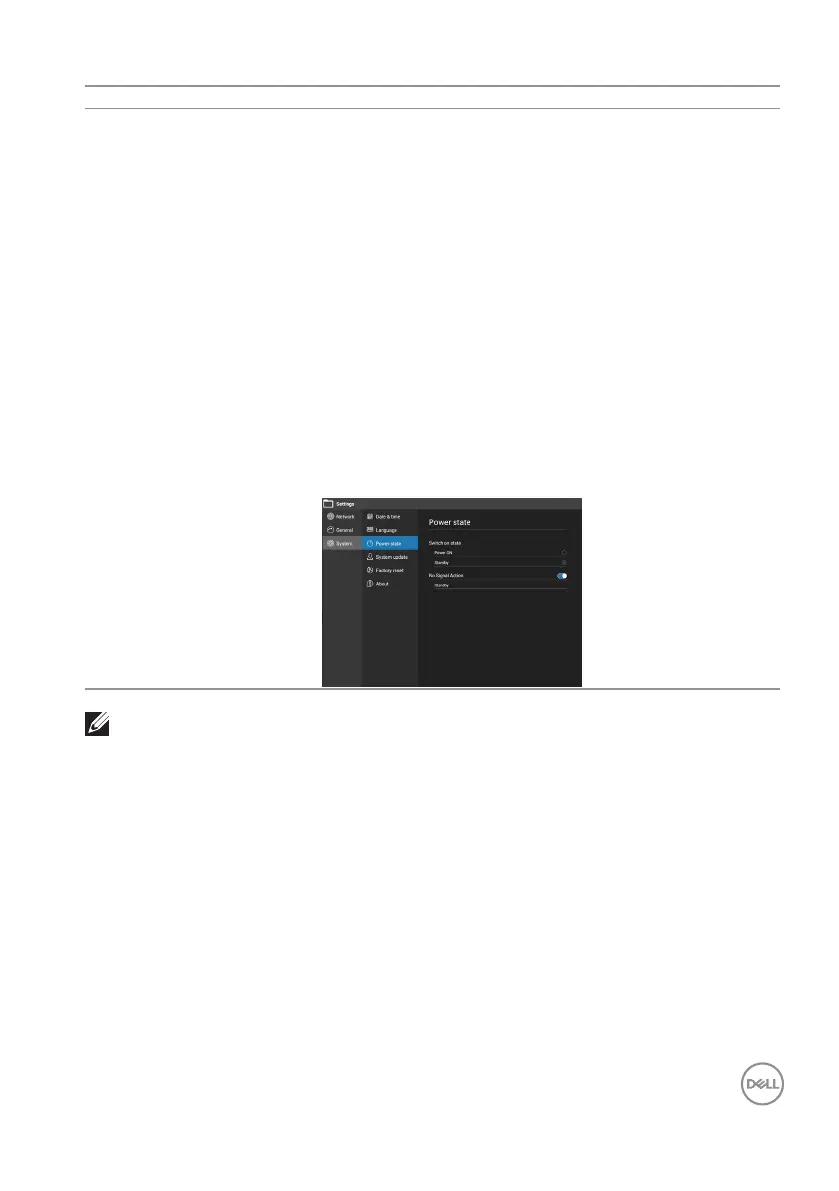
Power state Switch on state: Standby/Power on. Select the
display status used for the next time you resume from
AC power on.
No Signal Action: Standby/Sleep. Enter Standby or
Sleep mode after 9.5 minutes of no HDMI and DP
signal.
Sleep Wakeup: Allows you to use “Remote Control
Power Key”, “Power Key”, “Sleep Key” or “Touch
Screen” to wake up the system when system is in
sleep mode.
(1) Front/bottom/side physical key: Press Sleep/
Power button can wake up from sleep mode.
(2) Remote control: Only Power button can wake up,
and other buttons disable.
(3) Touch: Touch front screen can wake up.
NOTE:
Please enter standby mode before switch AC power to off.











 To Next Page