Installing Fan Trays | 27
6
Installing Fan Trays
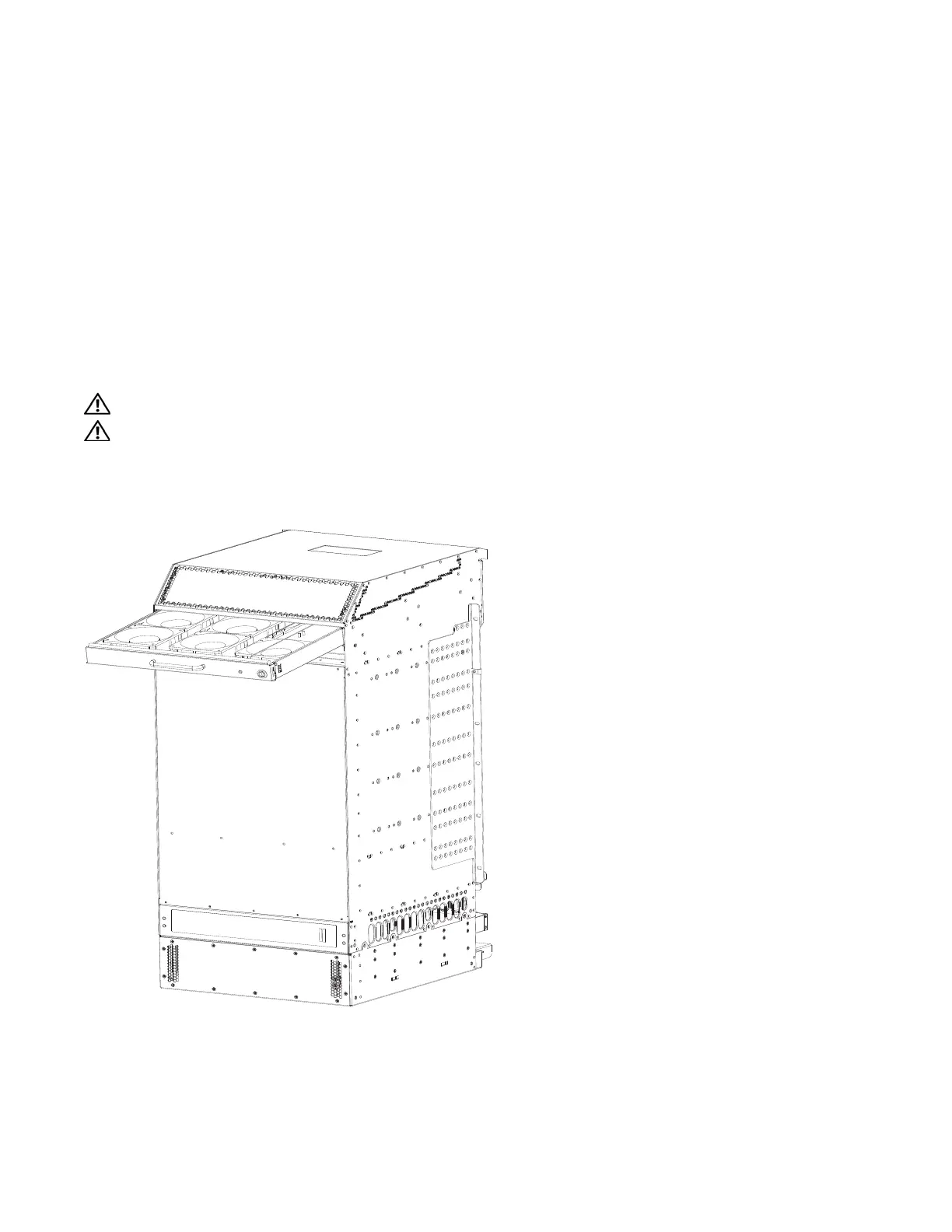
Access the fan tray slots from the rear of the chassis (
Figure 6-1
). Two fan trays are required in the
chassis. When a fan tray is not installed in the lower slot, a self-closing door will seal the slot. Panel
blanks are not required. However, to ensure fail-safe chassis operation, do not operate the chassis with
only one fan tray for more than 30 minutes.
WARNING: Install the fan trays before you supply power to the system.
WARNING: Electrostatic discharge (ESD) damage can occur when components are mishandled. Always
wear an ESD-preventative wrist or foot-heal ground strap when handling chassis components. After you
remove the original packaging, place chassis components on an antistatic surface.
Figure 6-1. Installing Fan Tray



 To Next Page