58 | Removing and Replacing Components
www.dell.com | support.dell.com
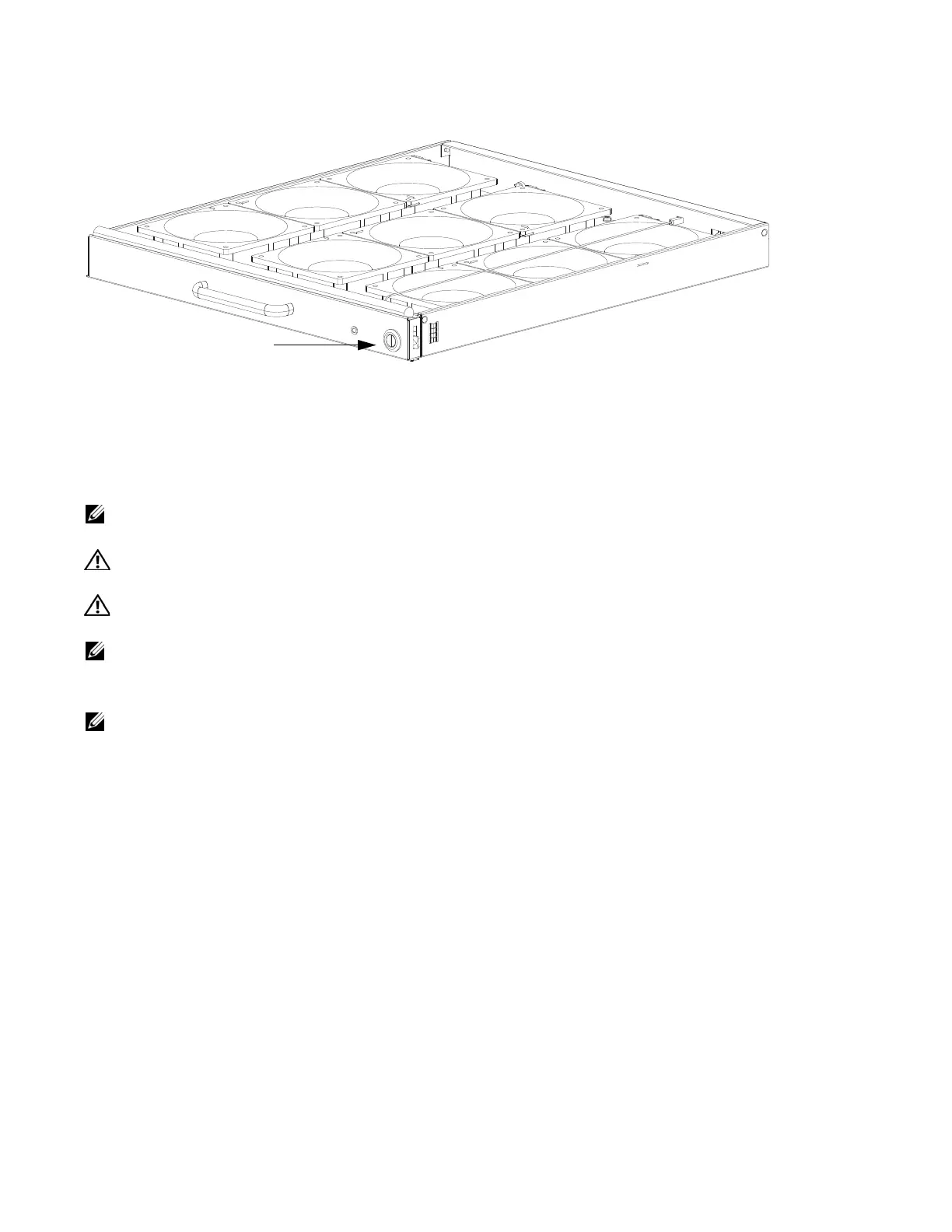
Figure 12-1. Securing the Fan Tray Screw Latch
Removing and Replacing AC Power Supplies
If you are operating your E1200 AC chassis with redundant Power Supplies, you can install, remove, or
replace a Power Supply without affecting system operation. If you are operating your E1200 AC system
with only two Power Supplies (the minimum), you must completely power off the system.
NOTE: If there is a Power Supply failure (Power Supply LED is not lit or major alarm LED is lit), the entire
Power Supply Module must be replaced. There are no field serviceable parts inside the Power Supply unit.
WARNING: Do not remove the AC-Cord Retainer until the power supplied by the remote power source is
OFF.
WARNING: Do not remove the AC-Cord Retainer until the power supplied by the remote power source is
OFF.
NOTE: The On/Standby switch disconnects power to the rest of the chassis from all 6 AC power supplies.
• When the AC cord is attached, power supply fans will spin and the LEDs will indicate status while the On/
Standby switch is in Standby.
NOTE: AC Power Supplies may be replaced without removing the AC-cord retainer or the AC cords.
screw latch



 To Next Page