About This Guide | 7
1
About This Guide
This guide provides site preparation recommendations, step-by-step procedures to rack mount the Dell
Force10 E1200 chassis, as well as instructions to install fan trays, power supplies, route processor
modules (RPMs), switch fabric modules (SFMs), and line cards.
This guide also includes instructions for removing and installing field-replaceable parts, including power
supplies for both the AC and DC models. The E1200 system is packaged with components necessary for
optimal performance, including blank panels for RPM, SFM, and line card slots. Blanks are required in
empty slots to ensure adequate system cooling and for EMI containment during operation.
After you complete the hardware installation process and power up the system, refer to the FTOS
Configuration Guide for preliminary software configuration information. E1200i systems run Force10
OS (FTOS™) software. The FTOS Command Reference for the E-Series provides detailed CLI
information, and the FTOS Configuration Guide for the E-Series includes FTOS configuration
information.
Information Symbols and Warnings
Table 1-1
defines the information symbols used throughout this guide.
WARNING: The installation of this equipment shall be performed by trained and qualified personnel only.
Read this guide before installing and powering up this equipment. This equipment contains two power cords.
Disconnect both power cords before servicing.
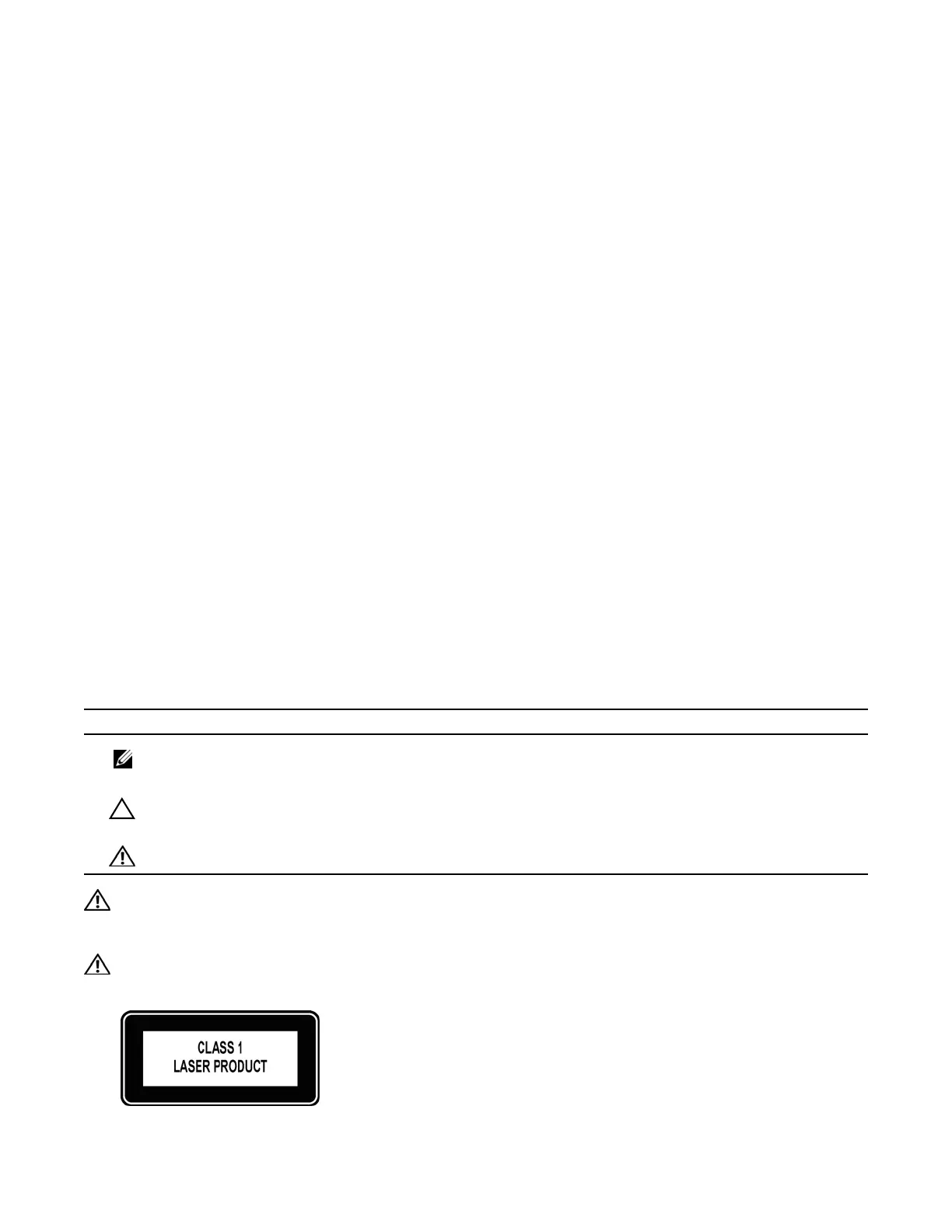
WARNING: This equipment contains optical transceivers, which comply with the limits of Class 1 laser
radiation.
Table 1-1. Information Symbols
Symbol Warning Description
Note This symbol informs you of important operational information.
Caution This symbol informs you that improper handling and installation could result in equipment
damage or loss of data.
Warning This symbol signals information about hardware handling that could result in injury.



 To Next Page