Installing RPMs, Line Cards, and SFMs | 47
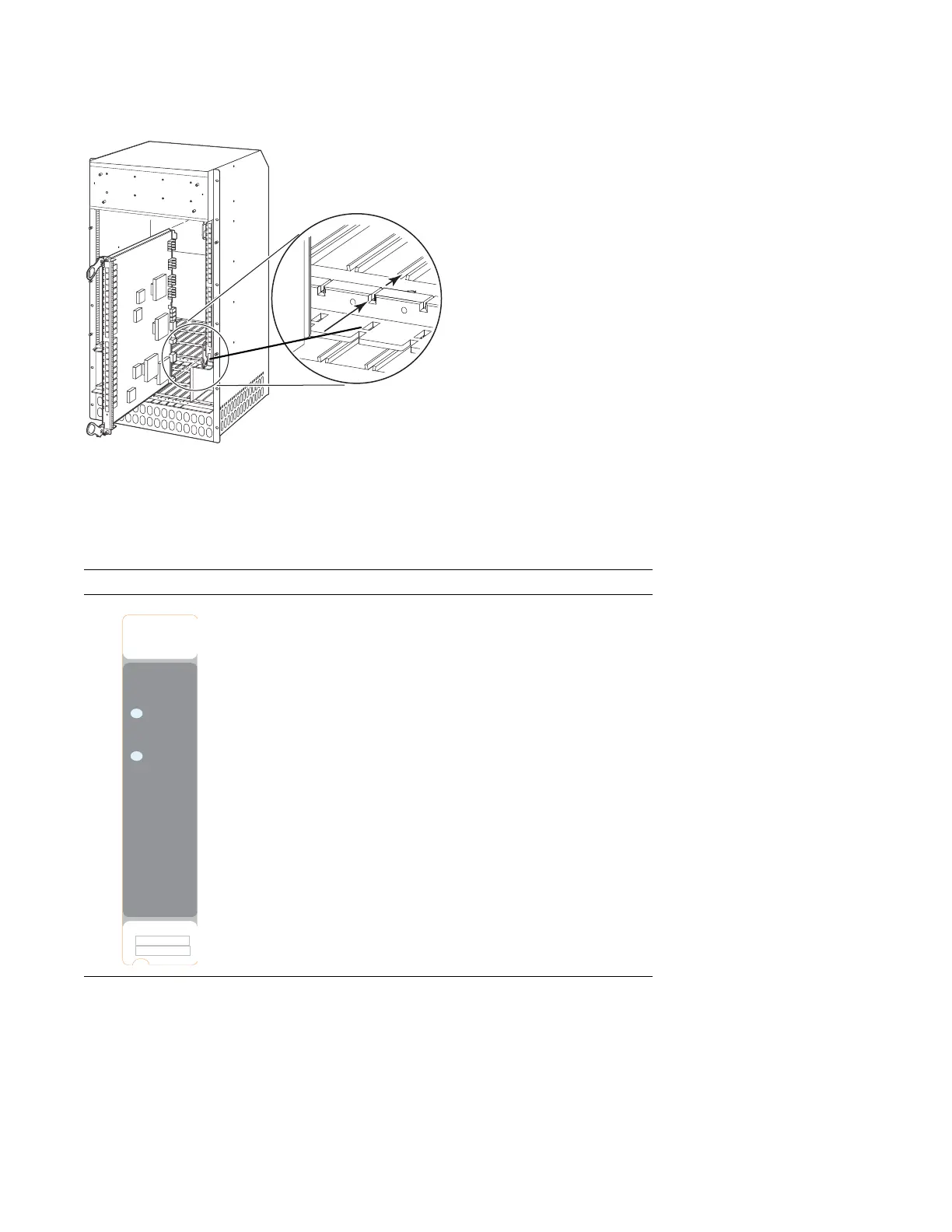
Figure 9-4. Installing SFMs
SFM Front Panel and LEDs
Table 9-2
illustrates the SFM front panel and LEDs.
Line Card Cable Management Systems
Dell Force10 provides a variety of E1200 chassis cable management systems to manage your fiber optic
and auxiliary cables connecting to line cards. For details, see the Dell Force10 price list. For installation
instructions, see the instructions that come with the specific cable management system.
Table 9-2. SFM Front Panel and LED Descriptions
LED Description
Active Green: active and passing traffic
Unlit: in standby mode
Status Flashing Green: booting
Green: operational
Flashing Amber: communication failure
Amber: fault detected
Unlit: no power
FN00036C
Start with slot 8
or slot 9
Active
CC-E-SFM3
Status
Switch Fabric
Serial
Assy



 To Next Page