34 | Installing DC Power Supplies
www.dell.com | support.dell.com
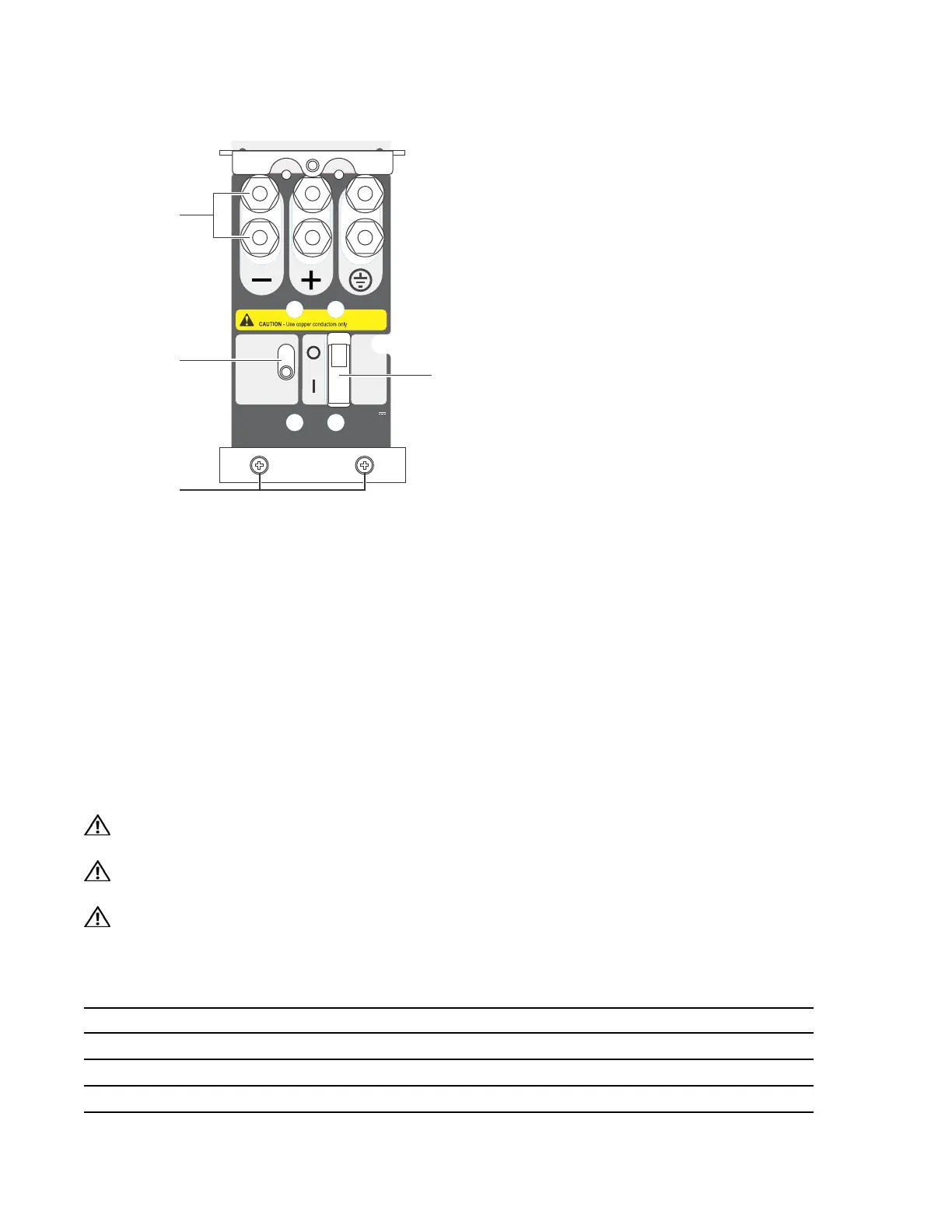
Figure 8-3. E1200 PEM Front Panel
Cable and Connector Requirements
You must provide your own cables to connect to a remote power source (for example, a circuit breaker
panel) in your equipment rack or office. Cables must be sized to meet the following criteria:
• rated for at least 150A service to allow for a fully loaded E1200 system at low input voltage per your
local electrical codes
• limits voltage drop across the cable length to 0.5V or less
Before you make the cable connections, apply a coat of antioxidant paste to un-plated metal contact
surfaces. File un-plated connectors, braided straps, and bus bars to a shiny finish. It is not necessary to
file and coat tinned connectors or other plated connection surfaces, such as on the E1200 PEM studs.
Installing DC PEMs
WARNING: An external disconnect shall be provided and shall be easily accessible. Dell Force10
recommends that you use a 150A circuit breaker.
WARNING: Un interrupteur externe doit être fournis et doit êtrefacilement accessible. Dell Force10
recommande l'utilisationd'un disjoncteur de 150Ampères.
WARNING: Eine leicht zugängliche Trennvorrichtung muss in der Verdrahtung eingebaut sein. Dell Force10
empfiehlt, dass Sieeinen 150A Sicherungsautomaten benutzen.
Each E1200 system requires at least one load-sharing DC PEM to operate. Two units are recommended
for full facility redundancy.
Parameter Specifications
Maximum DC PEM Input Current 150A
Maximum Power Dissipation 6850W (21,598 BTU/hour)
Input Voltage -48 to -60 Vdc
CC-E1200-PWR-DC
-48/-60Vdc
150A, 7200VA
Status
Latch Release
PEM interlock
lever
Over-current protector
Locking screws
Studs
FN00102lp



 To Next Page