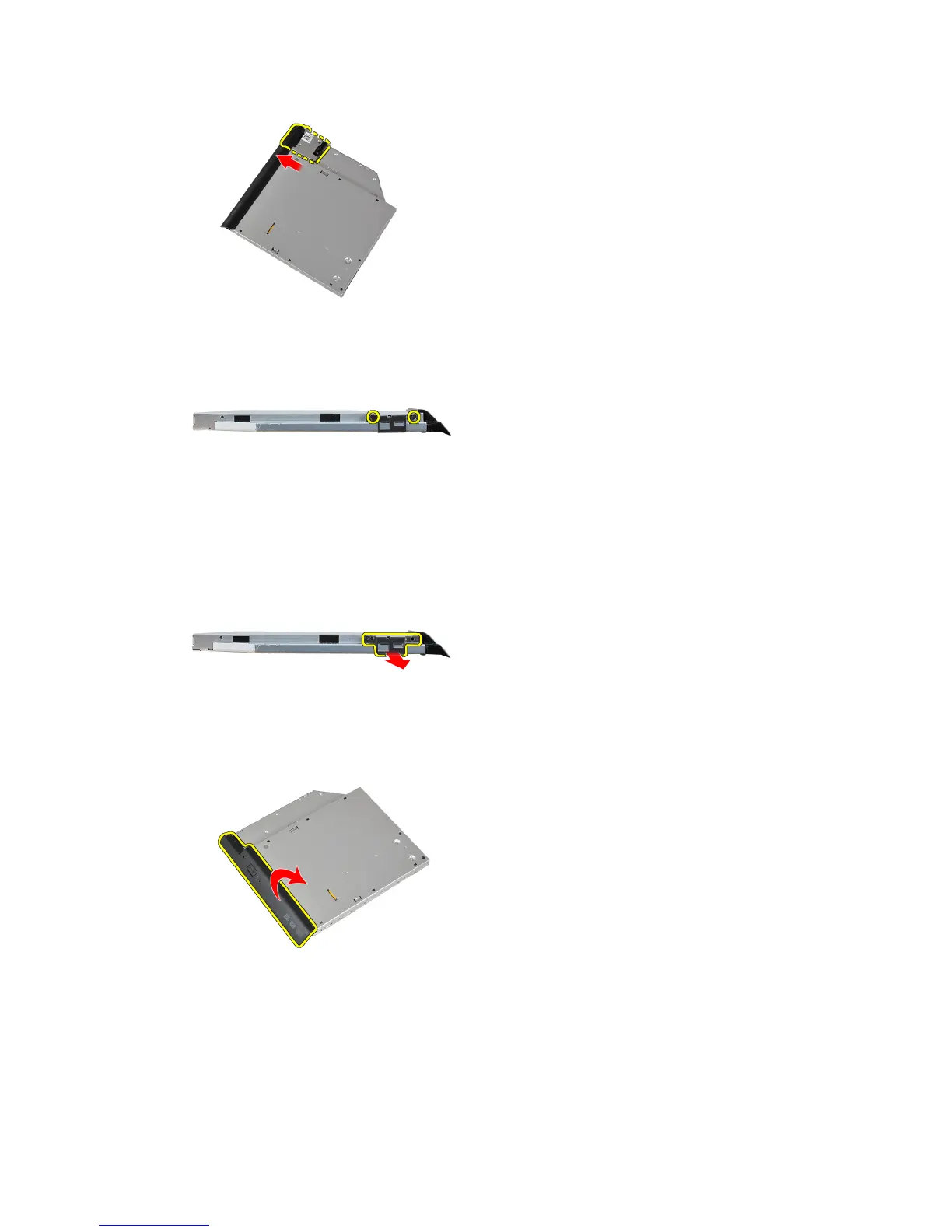
7. Remove the screws that secure the drive-latch bracket to the optical drive.
8. Remove the drive-latch bracket from the optical drive.
9. Pull and remove the drive caddy away from the optical drive.
Installing the Optical Drive
1. Secure the optical drive caddy to the optical drive.
2. Secure the drive-latch bracket to the optical drive.
17















 To Next Page