k) media board
l) display hinge covers
m) display assembly
n) system board
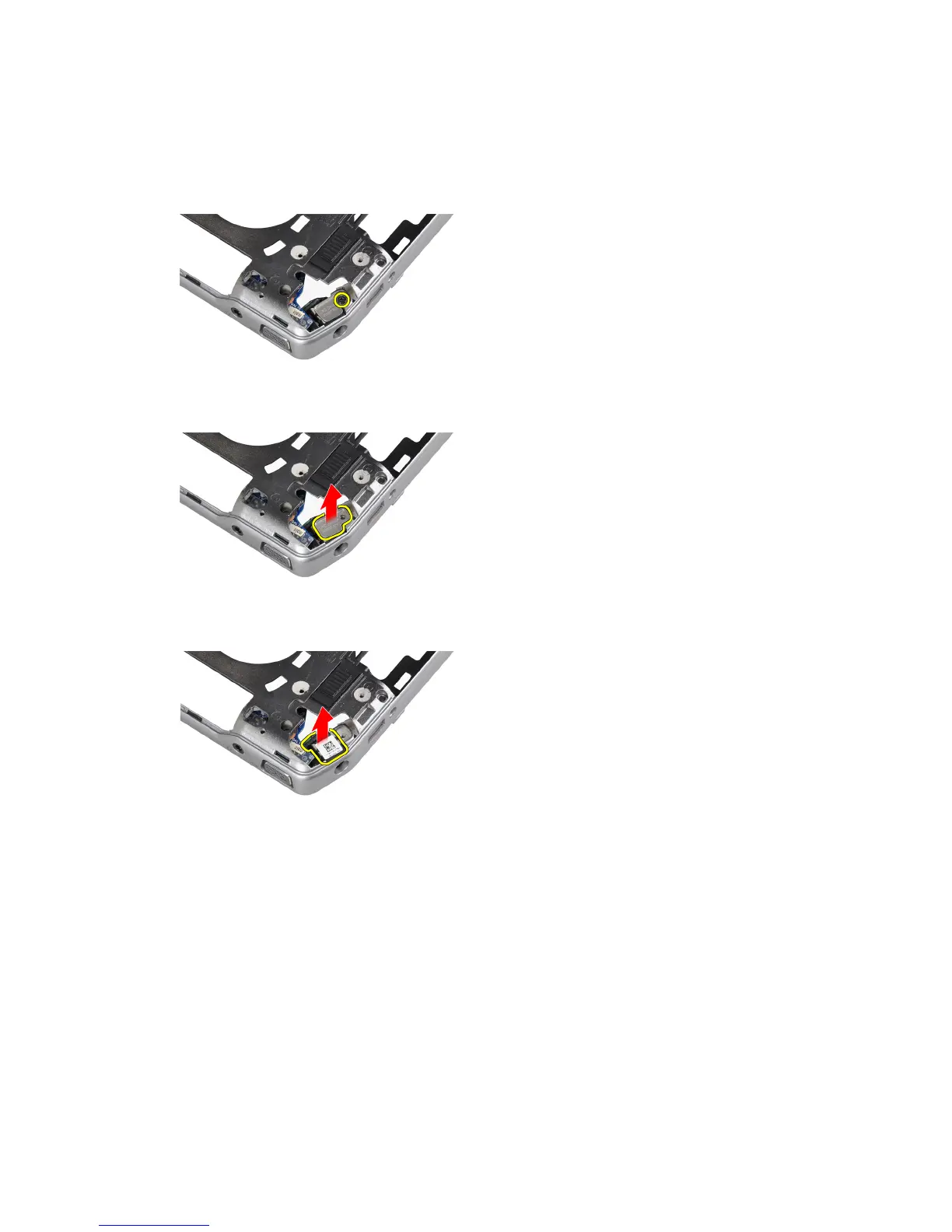
3. Remove the screw that secures the power connector port to the computer.
4. Remove the power connector bracket from the computer.
5. Remove the power connector port from the computer.
Installing the Power-Connector Port
1. Place the power-connector port on the computer.
2. Place the power-connector bracket over the power-connector port.
3. Tighten the screw to secures the power-connector bracket to the computer.
4. Install:
a) system board
b) display assembly
c) display hinge covers
d) media board
41















 To Next Page