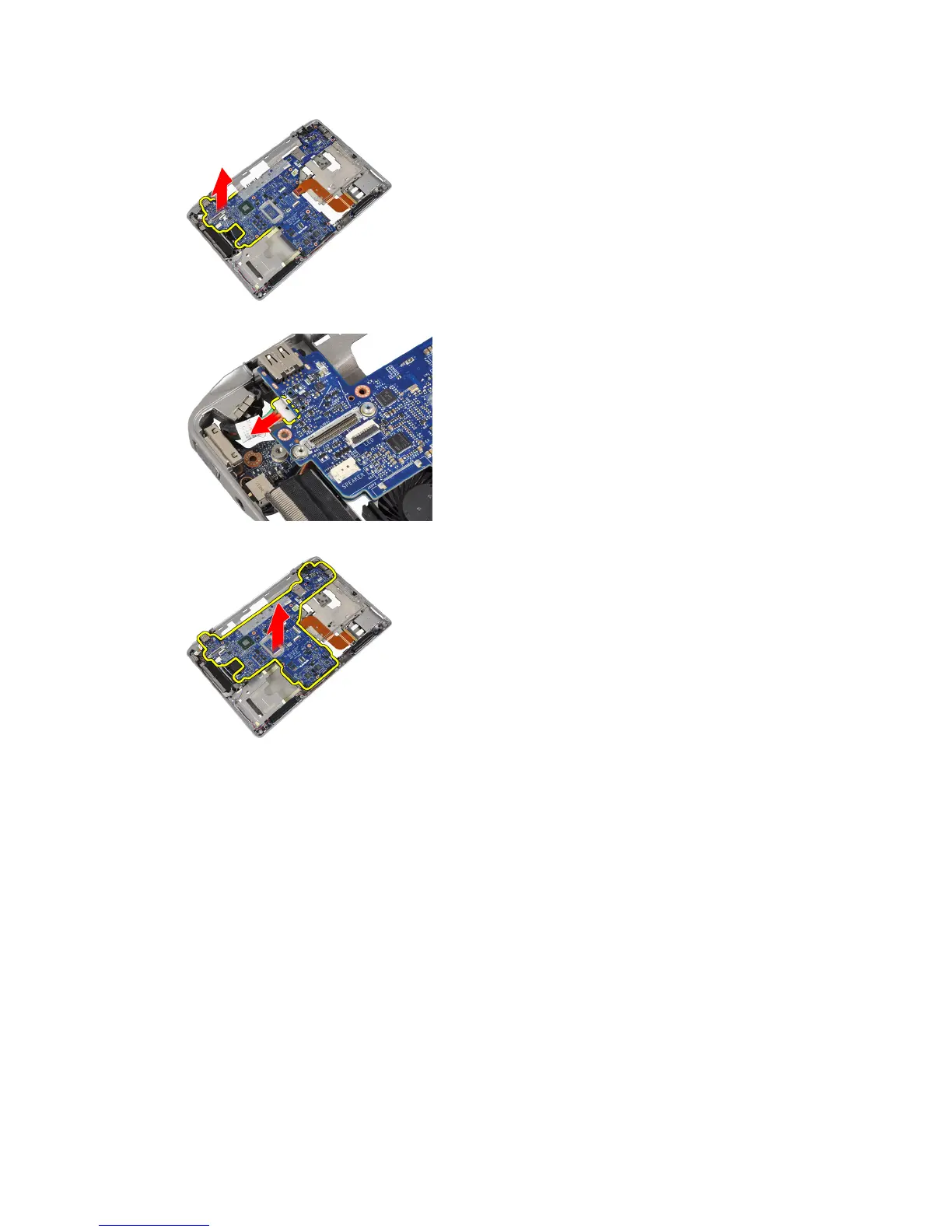
8. Disconnect the power-connector cable from the system board.
9. Remove the system board from the computer.
Installing the System Board
1. Connect the power connector cable to the system board.
2. Tighten the screws to secure the system board to the computer.
3. Connect the following cables to the system board:
a) speaker
b) ExpressCard
c) coin-cell battery
4. Install :
a) display assembly
b) display hinge covers
c) media board
d) palmrest
e) bluetooth module
f) keyboard
38















 To Next Page