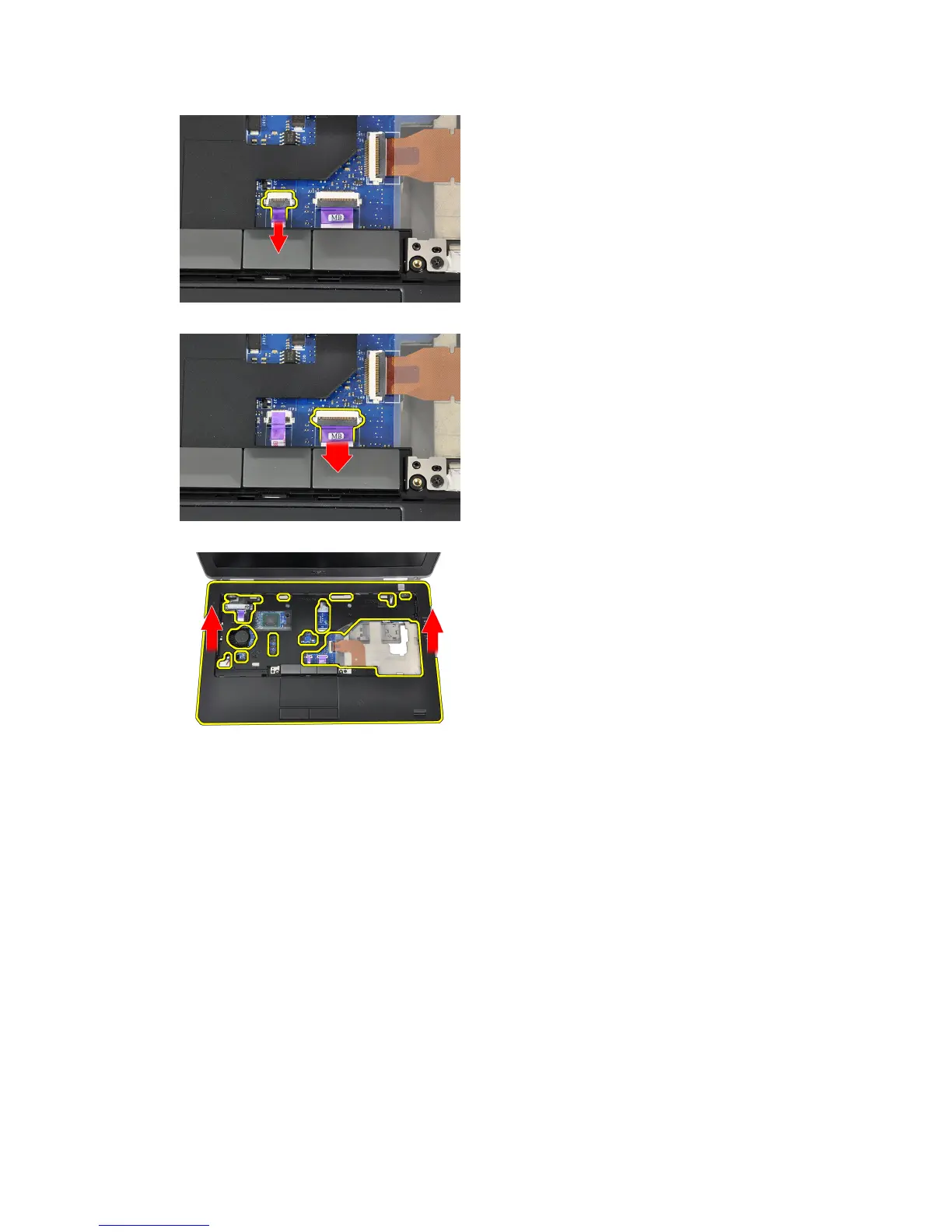
7. Disconnect the power LED cable from the system board.
8. Lift the palmrest up and away from the computer.
Installing the Palmrest
1. Align the palmrest assembly to its original position in the computer and snap it into place.
2. Connect the following cables to the system board:
a) power LED cable
b) touchpad cable
c) LED-board cable
3. Tighten the screws to secure the palmrest assembly to the front of the computer.
4. Tighten the screws to secure the palmrest assembly to the base of the computer.
5. Install:
a) bluetooth module
b) keyboard
c) keyboard trim
d) base cover
e) optical drive
27















 To Next Page