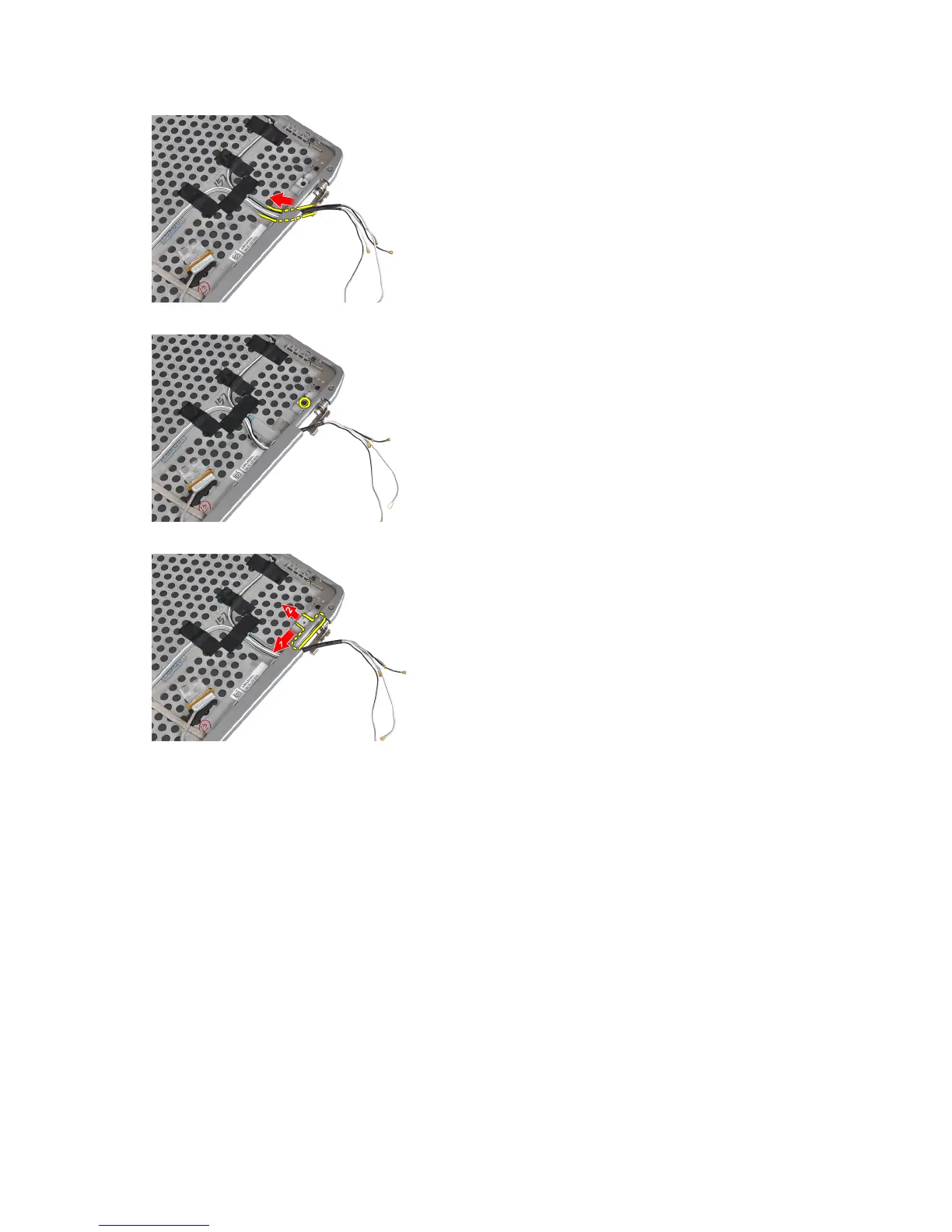
7. Remove the screw that secures the right display-hinge wall to the display assembly.
8. Slide and remove the right display-hinge wall out of the display assembly.
Installing the Display-Hinge Walls
1. Place both the display-hinge walls on the panel.
2. Insert the antenna cables into their opening on the right display-hinge wall and secure them using the adhesive
tape to the display assembly.
3. Tighten the screws to secure the display-hinge walls to secure them to the display assembly.
4. Install:
a) power LED board
b) display panel
c) display bezel
d) display assembly
e) display hinge covers
f) media board
g) palmrest
h) bluetooth module
50















 To Next Page