Cards 43
4
Remove the filler bracket (if applicable).
NOTE: For information on configuring the adapter, making internal
connections, or customizing it for your computer, see the documentation that
came with the adapter.
5
Align the PS/2 serial-port adapter bracket in the slot and press down firmly.
Ensure that the adapter is fully seated in the slot.
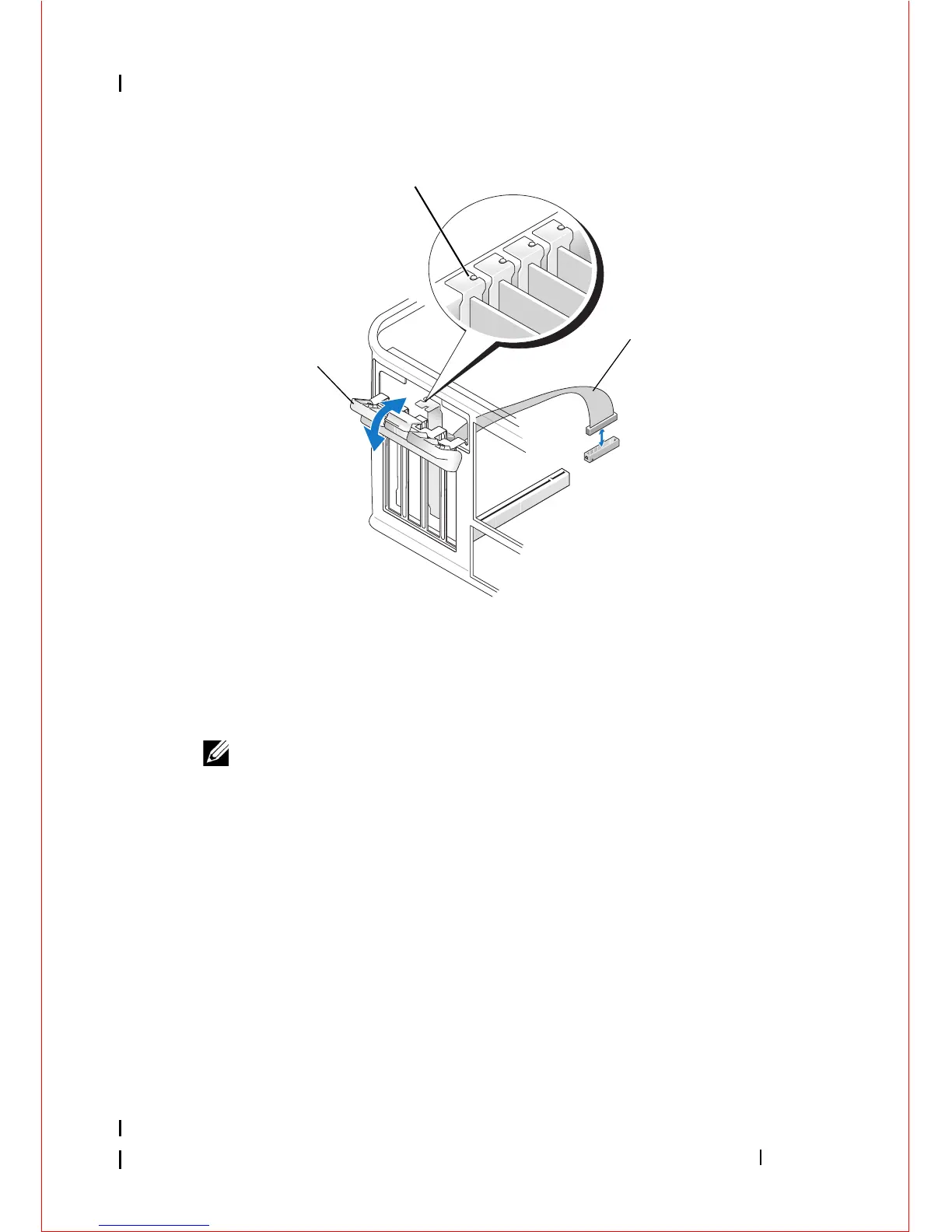
Before you close the card retention mechanism, ensure that:
• The tops of all cards and filler brackets are flush with the alignment
guide.
• The notch in the top of the card or filler bracket fits around the
alignment guide.
1 card retention latch 2 alignment guide
3 PS/2 serial adapter cable















 To Next Page