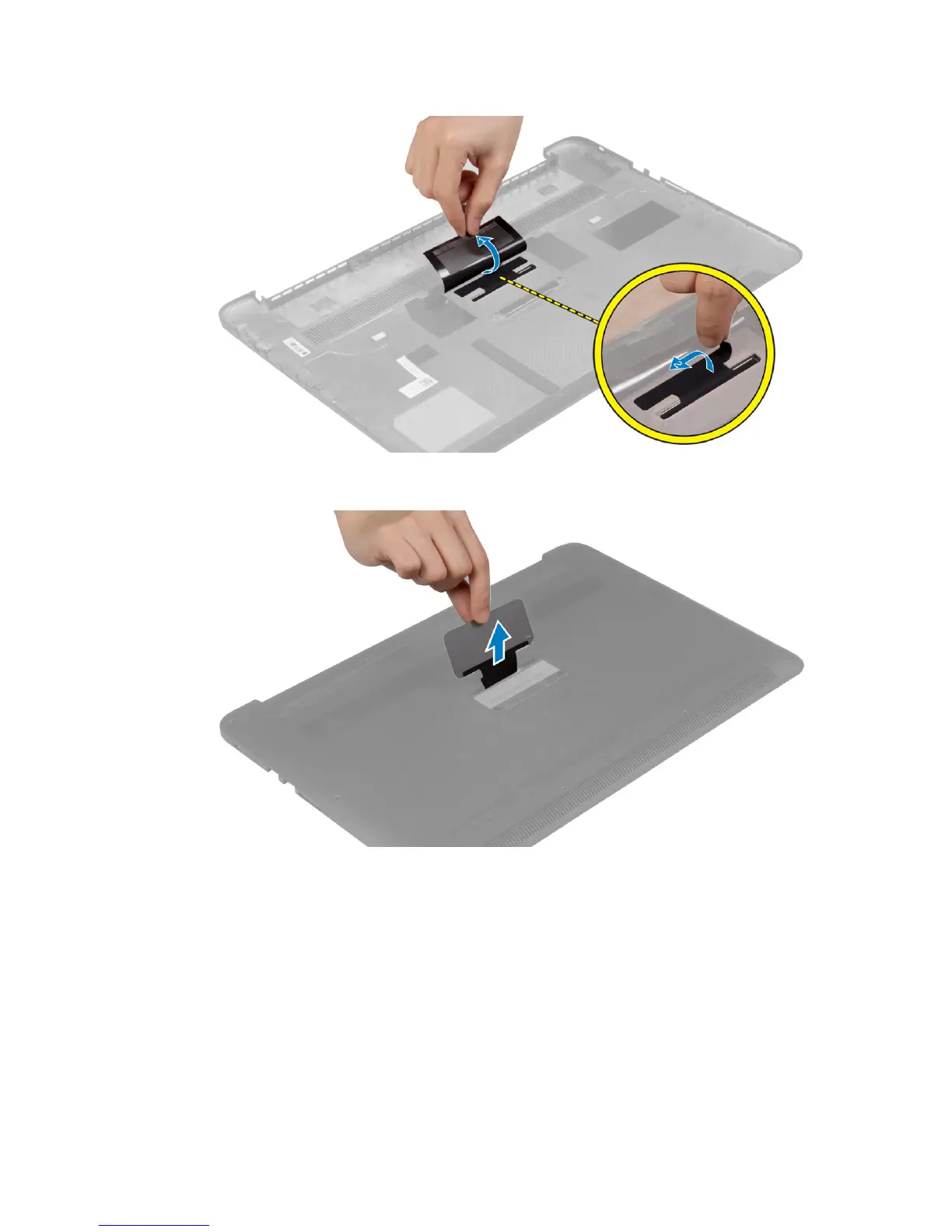
4. Release the tab on the system badge from the slot on the base cover. Lift the system badge off the
base cover.
Installing the System Badge
1. Slide the tab on the system badge into the slot on the base cover and snap the system badge into
place.
2. Turn the base cover over.
3. Affix the Mylar tape that secures the system badge to the base cover.
4. Follow the procedures in
After Working Inside Your Computer.
12















 To Next Page