2
Removing and Installing Components
This section provides detailed information on how to remove or install the components from your
computer.
Recommended Tools
The procedures in this document may require the following tools:
• Small flat-blade screwdriver
• #0 Phillips screwdriver
• #1 Phillips screwdriver
• T5 Torx screwdriver
• Small plastic scribe
• Flash BIOS update program CD
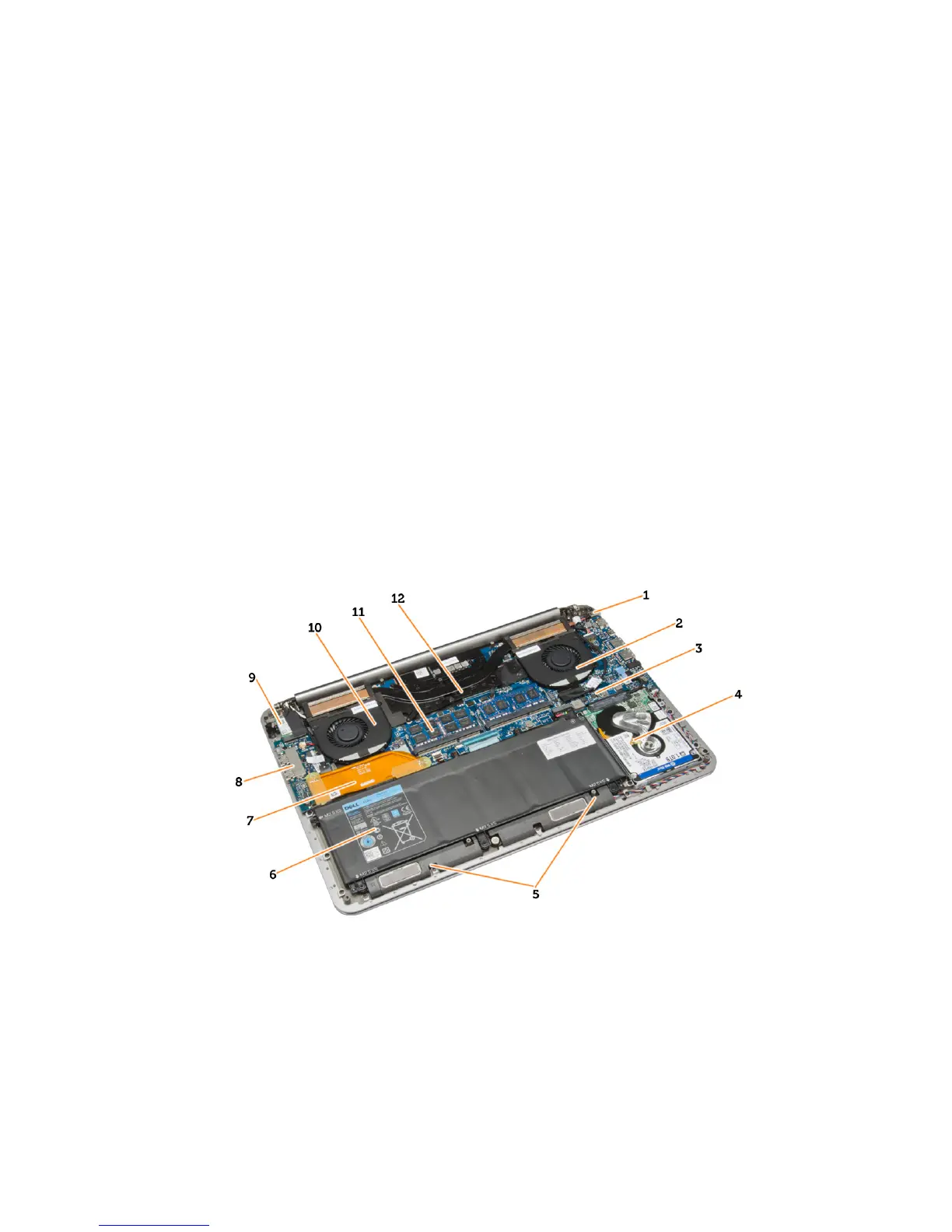
System Overview
Figure 1. Inside View — Back
1. DC-in
2. system fan
3. system board
4. hard drive
5. speakers
6. battery
7. I/O board connector
8. I/O board
9















 To Next Page