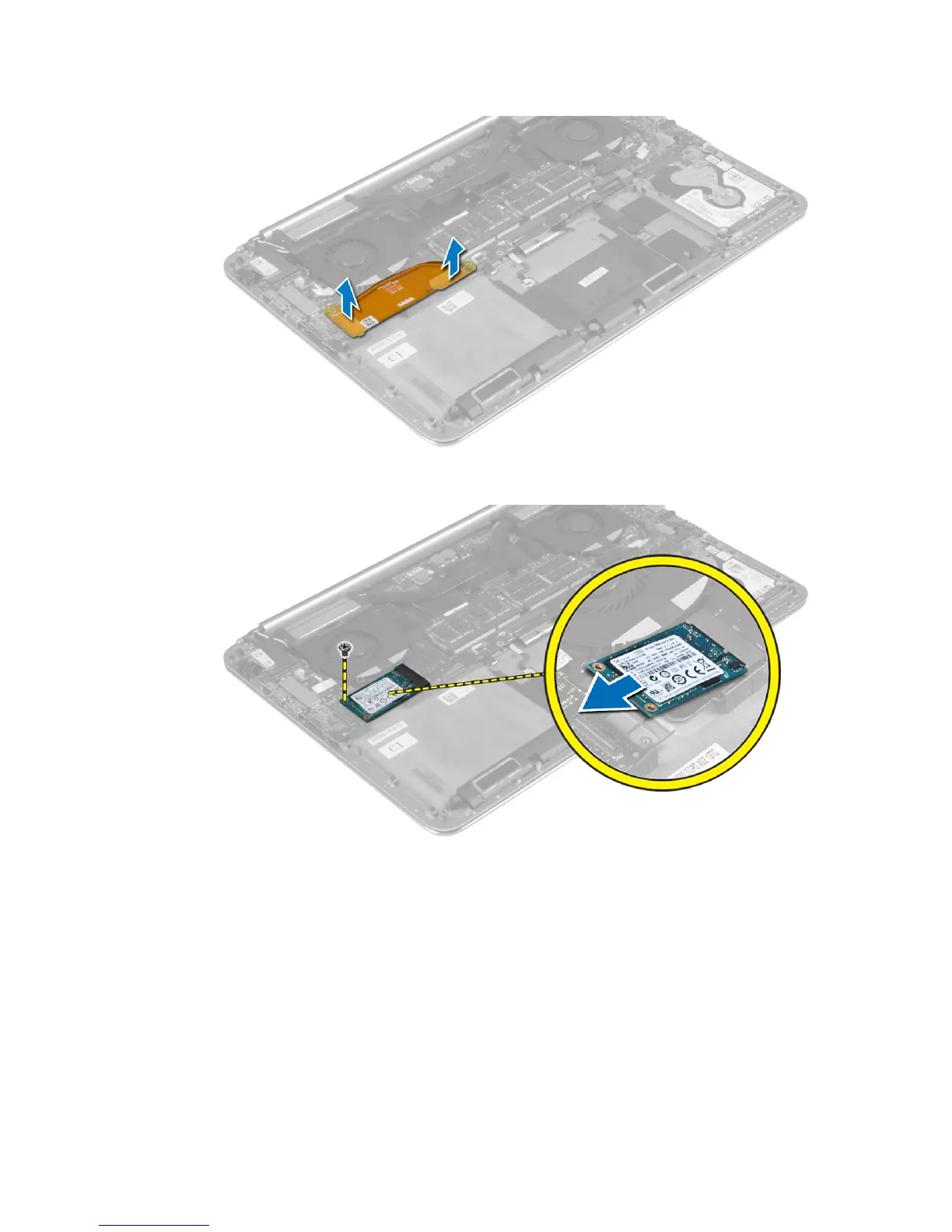
4. Remove the screw that secures the mSATA card to the palmrest assembly. Remove the mSATA card
from the system board.
Installing the mSATA Card
1. Align the notch on the mSATA card with the tab on the mSATA-card connector.
2. Insert the mSATA card into the mSATA-card connector.
3. Tighten the screw to secure the mSATA card to the palmrest assembly.
4. Connect the I/O-board cable to the system board and I/O board.
5. Install the:
a) battery
b) base cover
20















 To Next Page