5. Stiskněte klávesu Esc. Zobrazí se zpráva spožadavkem na uložení změn.
6. Stisknutím klávesyY uložíte změny aukončíte nástroj Konfigurace systému.
Počítač se restartuje.
Vymazání systémového hesla ahesla konfigurace
O této úloze
Potřebujete-li vymazat systémové heslo nebo heslo konfigurace, kontaktujte technickou podporu společnosti Dell dle návodu včásti
Kontaktovat podporu.
POZNÁMKA: Více informací ozpůsobu resetování hesel ksystému Windows nebo kurčité aplikaci naleznete vdokumentaci
ksystému Windows nebo kdané aplikaci.
Clearing Chassis Intrusion Alerts
A chassis intrusion switch identifies whenever the system base cover has been removed. You can enable alerts about any intrusions
through the Chassis Intrusion option in the Security submenu of the BIOS setup menu.
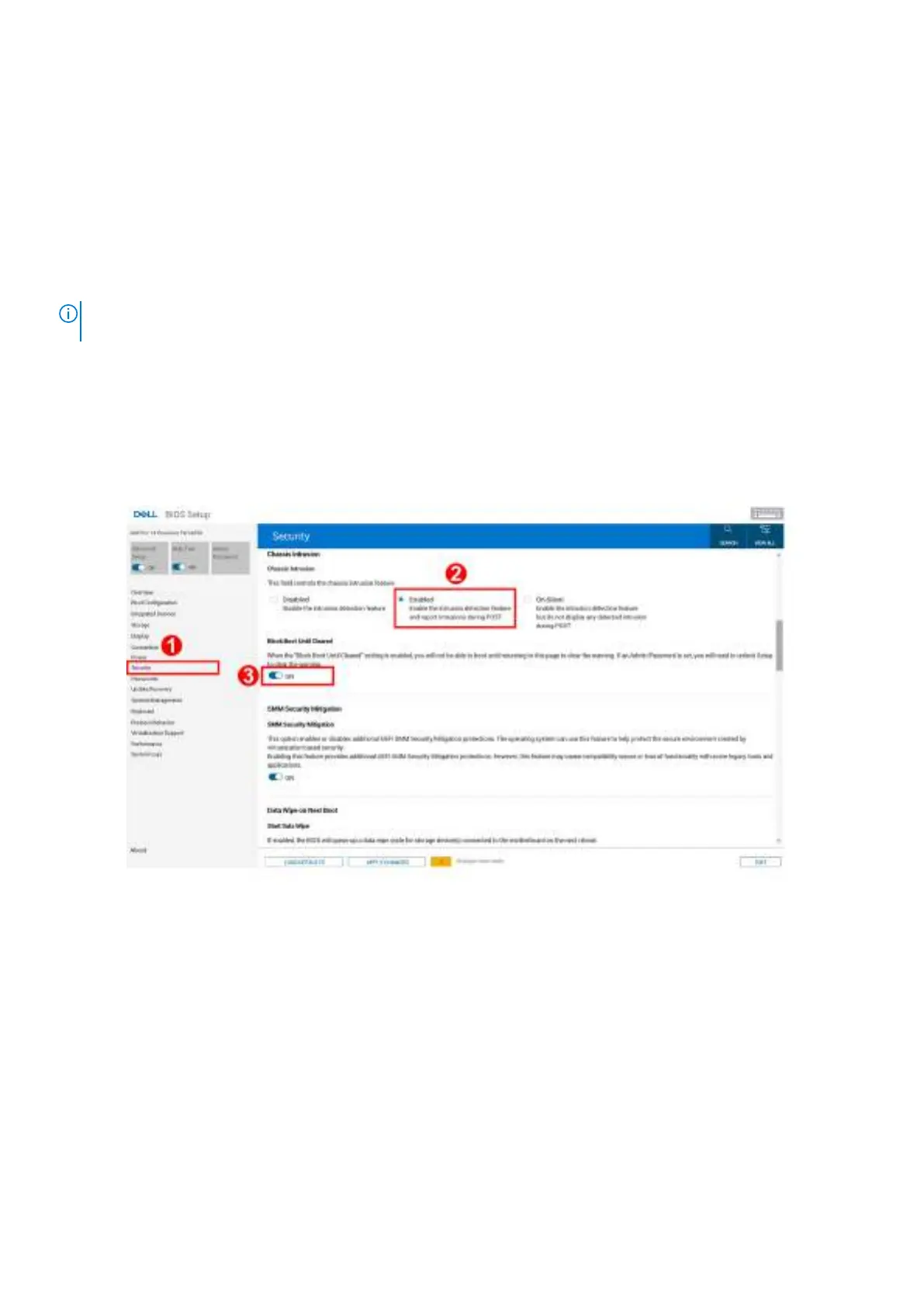
Once enabled, the Block Boot Until Cleared feature allows you to select whether to prevent the bootup until the intrusion alert is
resolved.
Obrázek 78. Block Boot Until Cleared
If Block Boot Until Cleared is set to ON, then you must select BIOS-Setup and clear the intrusion alert in order to boot up the
computer normally.
136
Nastavení systému BIOS









 To Next Page