Sestava displeje
Removing the display assembly
VÝSTRAHA: The information in this section is intended for authorized service technicians only.
Požadavky
1. Follow the procedure in Before working inside your computer.
2. Remove the base cover.
O této úloze
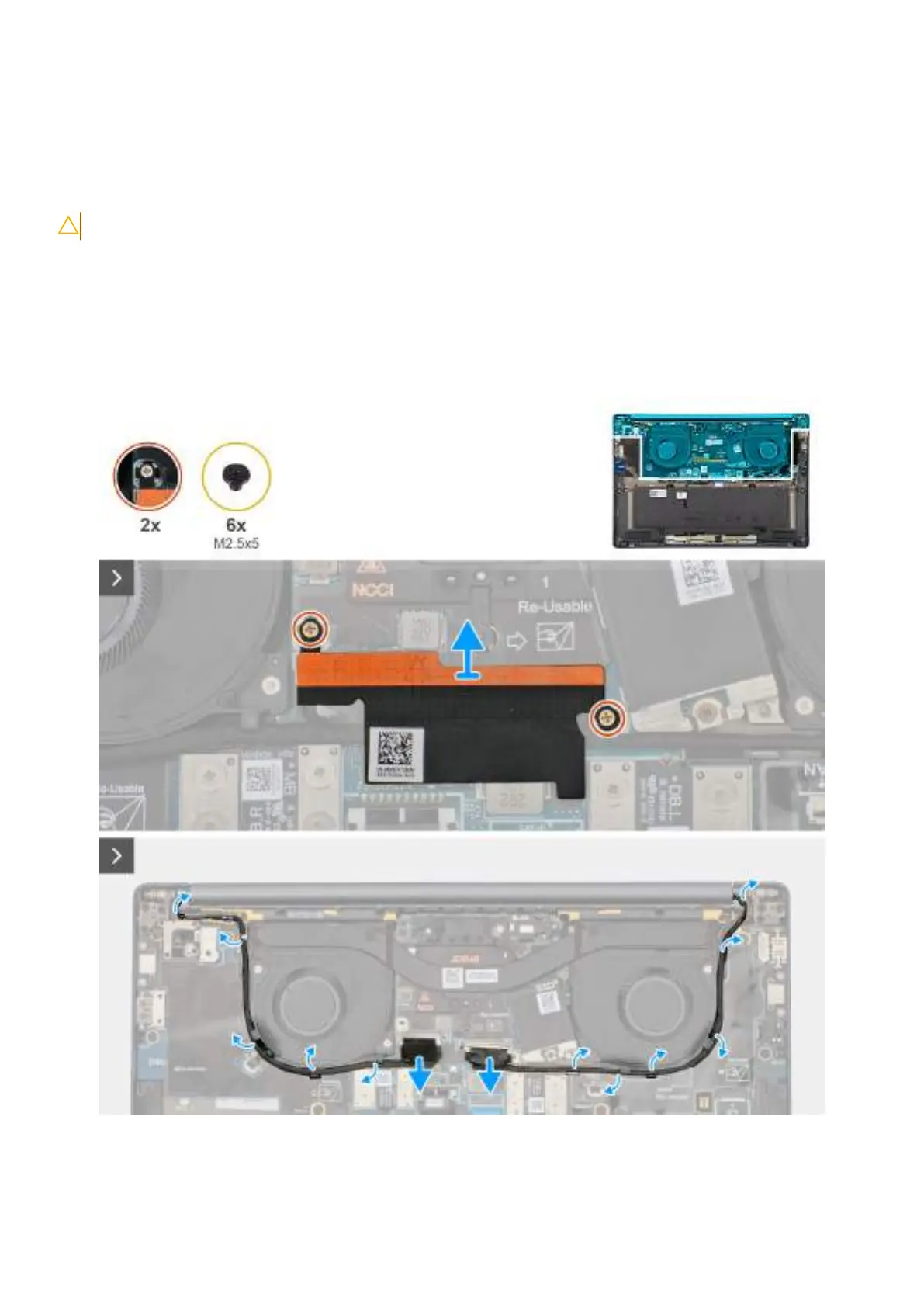
The following images indicate the location of the display assembly and provide a visual representation of the removal procedure.
Obrázek 59. Disconnect the display and camera cables
Demontáž ainstalace jednotek vyměnitelných vterénu (FRU)
91









 To Next Page