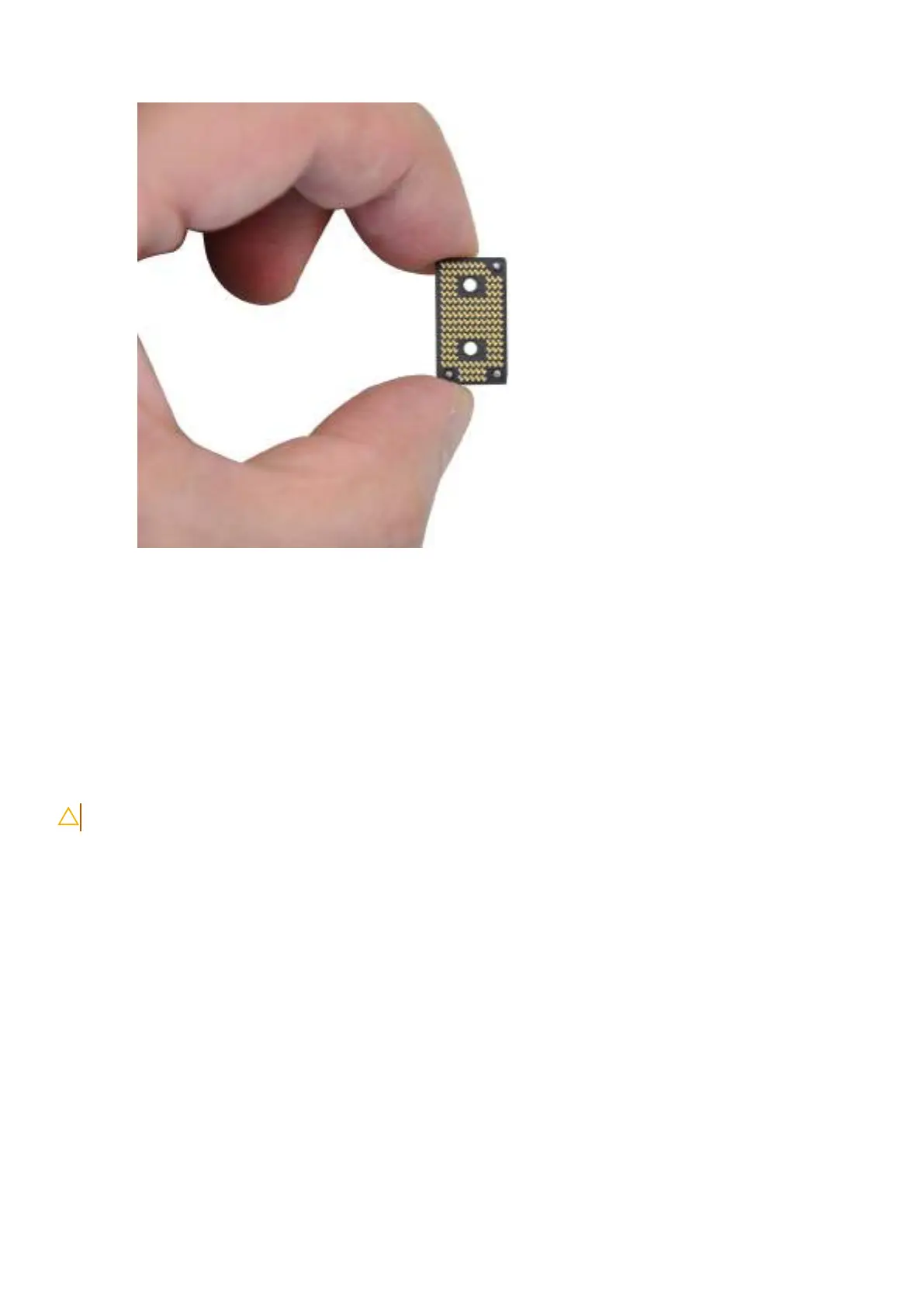
Obrázek 40. Holding the interposer board
6. Replace the left I/O-board connector on the system board.
7. Replace the four screws (M1.6x5.5) that secure the left I/O-board connector on the system board.
Další kroky
1. Install the base cover.
2. Follow the procedure in After working inside your computer.
Removing the right I/O-board (without WWAN antennas)
VÝSTRAHA: The information in this section is intended for authorized service technicians only.
Požadavky
1. Follow the procedure in Before working inside your computer.
2. Remove the nano-SIM tray.
3. Remove the nano-SIM card.
4. Remove the base cover.
O této úloze
The following image indicates the location of the right I/O-board and provides a visual representation of the removal procedure.
72
Demontáž ainstalace jednotek vyměnitelných vterénu (FRU)







 To Next Page