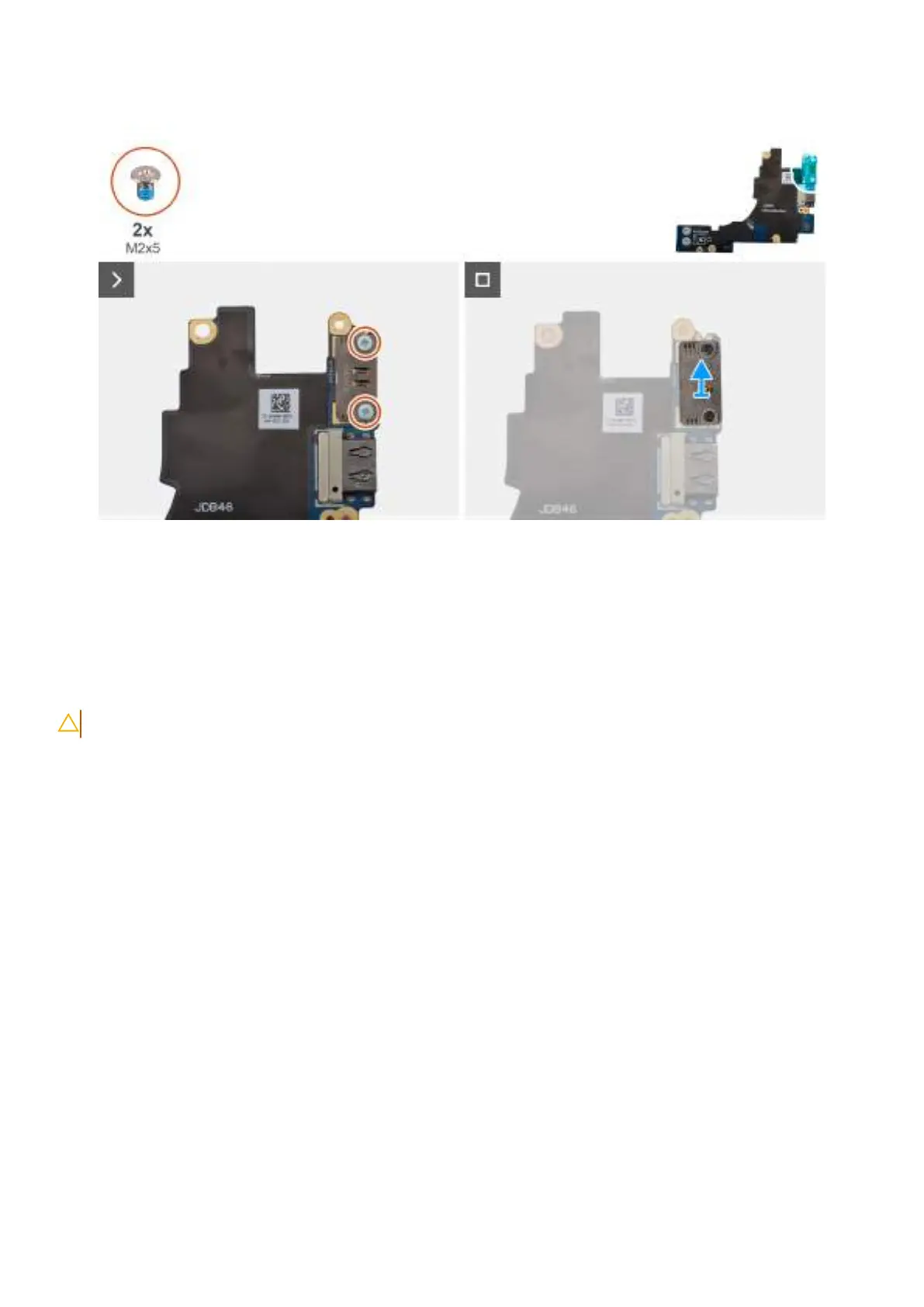
Obrázek 53. Removing the left USB Type-C module
Kroky
1. Remove the two screws (M2x5) that secure the left USB Type-C module to the left I/O-board.
2. Lift the left USB Type-C module off the left I/O-board.
Installing the left USB Type-C module
VÝSTRAHA: The information in this section is intended for authorized service technicians only.
O této úloze
The following image indicates the location of the left Type-C USB module and provides a visual representation of the installation
procedure.
Demontáž ainstalace jednotek vyměnitelných vterénu (FRU)
85









 To Next Page