Using Your Projector 67
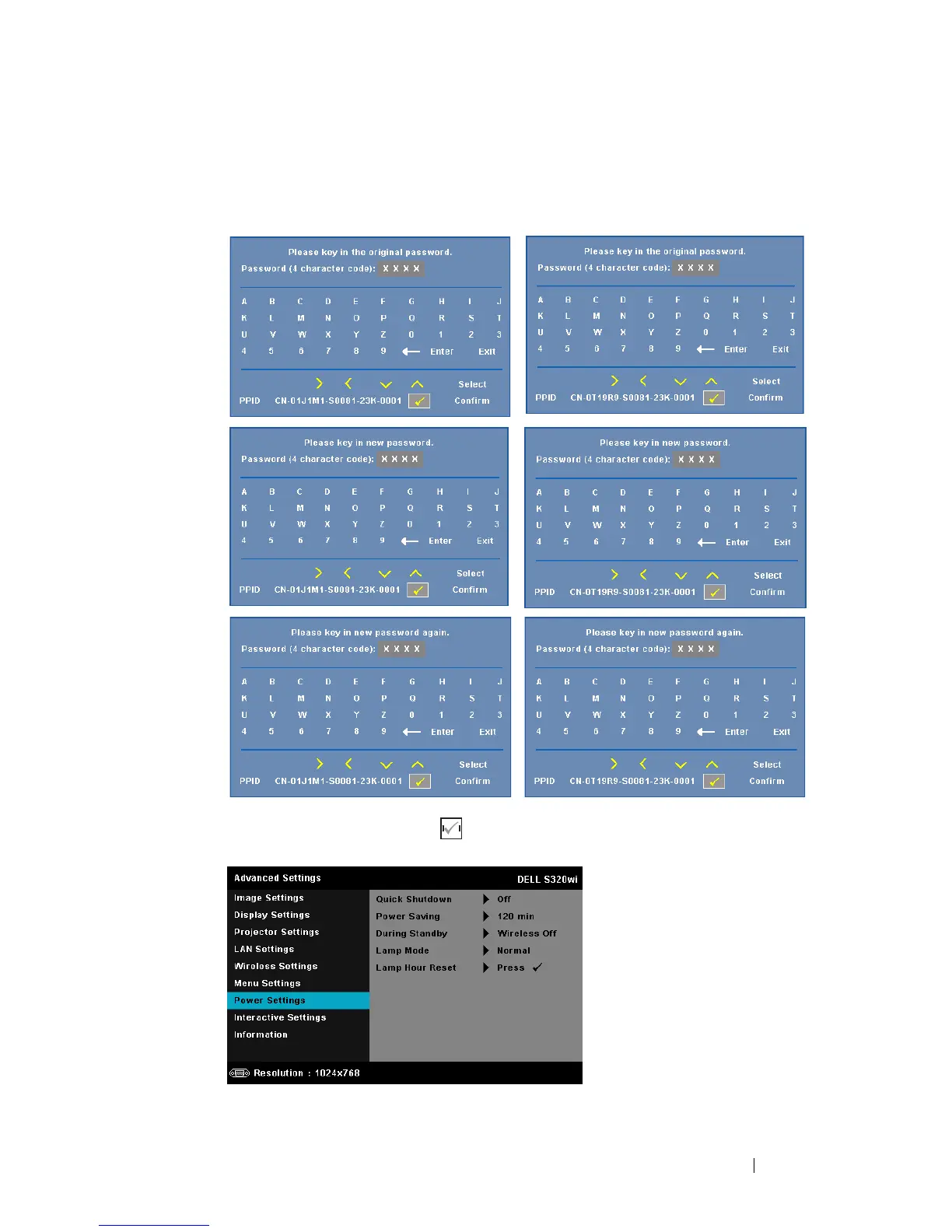
CHANGE PASSWORD—Key in the original password. Then, enter the new
password and confirm the new password again.
P
OWER SETTINGS—Select and press to activate power settings. The power
settings menu provides the following options:
S320 Change Password screen
S320wi Change Password screen





 To Next Page