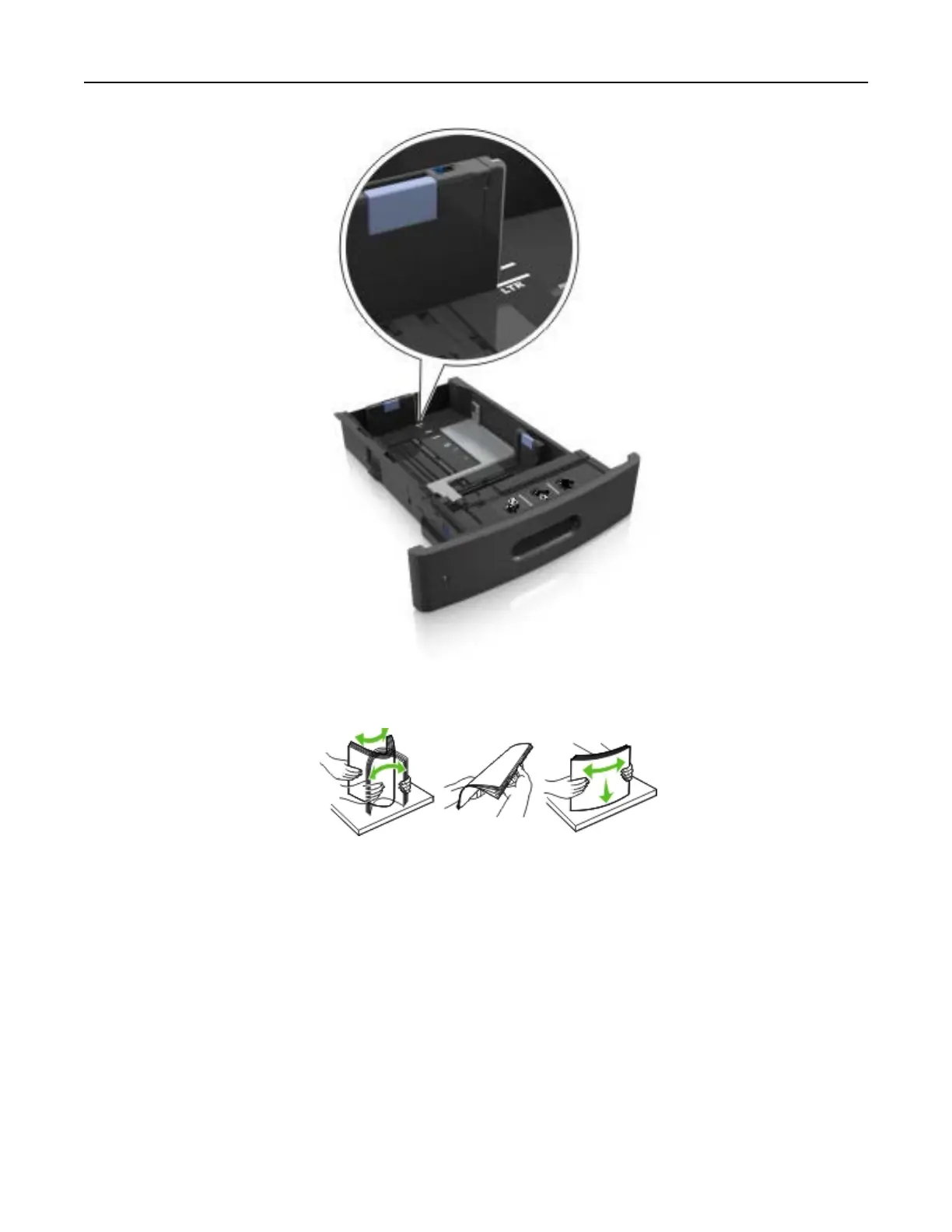
4 Flex the sheets back and forth to loosen them, and then fan them. Do not fold or crease the paper. Straighten
the edges on a level surface.
5 Load the paper stack with the printable side facedown.
Note: Make sure the paper or envelope is loaded properly.
• There are dierent ways of loading letterhead depending on whether an optional staple finisher is
installed or not.
Loading paper and specialty media 49



 To Next Page