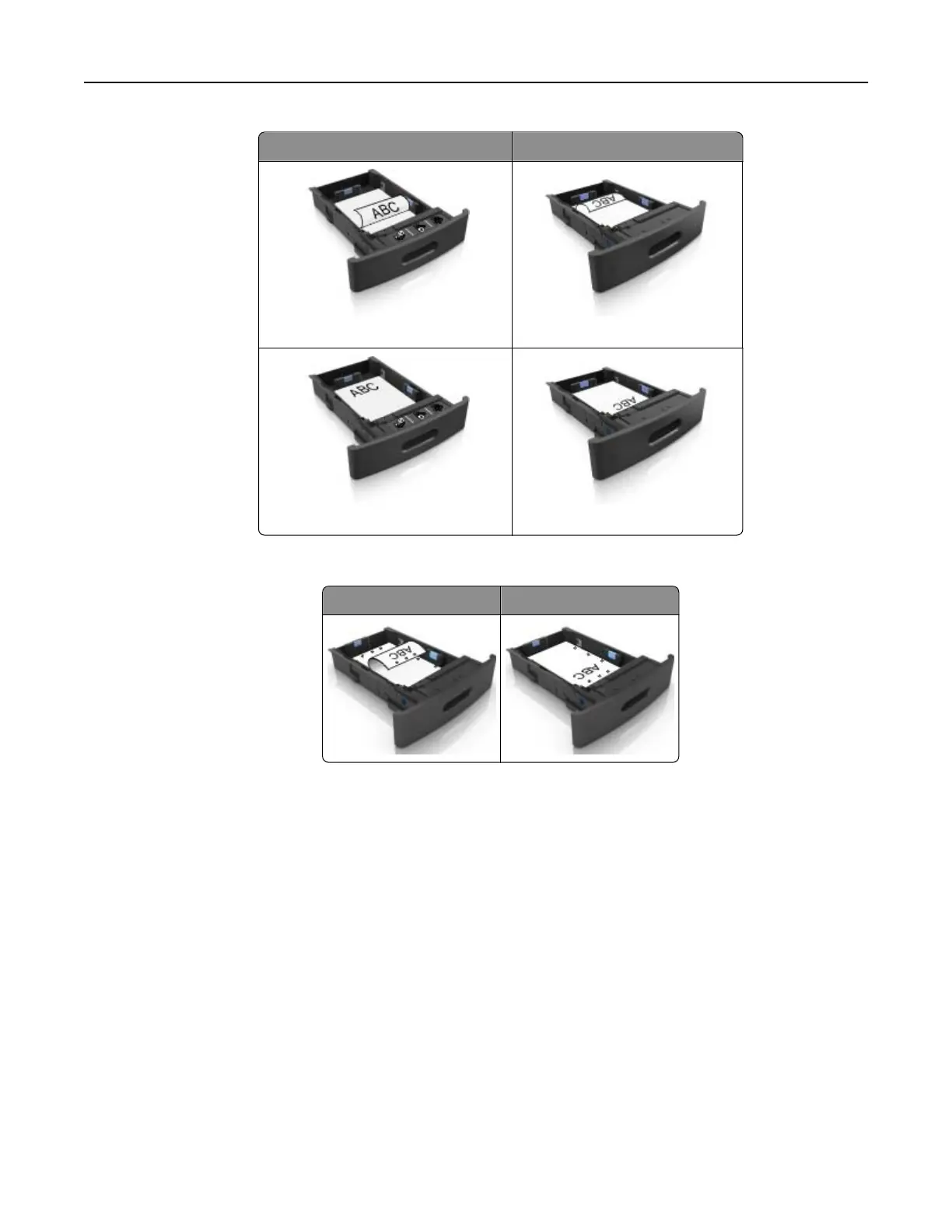
Without an optional staple finisher With an optional staple finisher
One‑sided printing One‑sided printing
Two‑sided printing Two‑sided printing
• If you are loading prepunched paper for use with the staple finisher, then make sure the holes on the
long edge of the paper are on the right side of the tray.
One‑sided printing Two‑sided printing
Note: If the holes on the long edge of the paper are on the left side of the tray, then a jam may occur.
Loading paper and specialty media 50



 To Next Page